
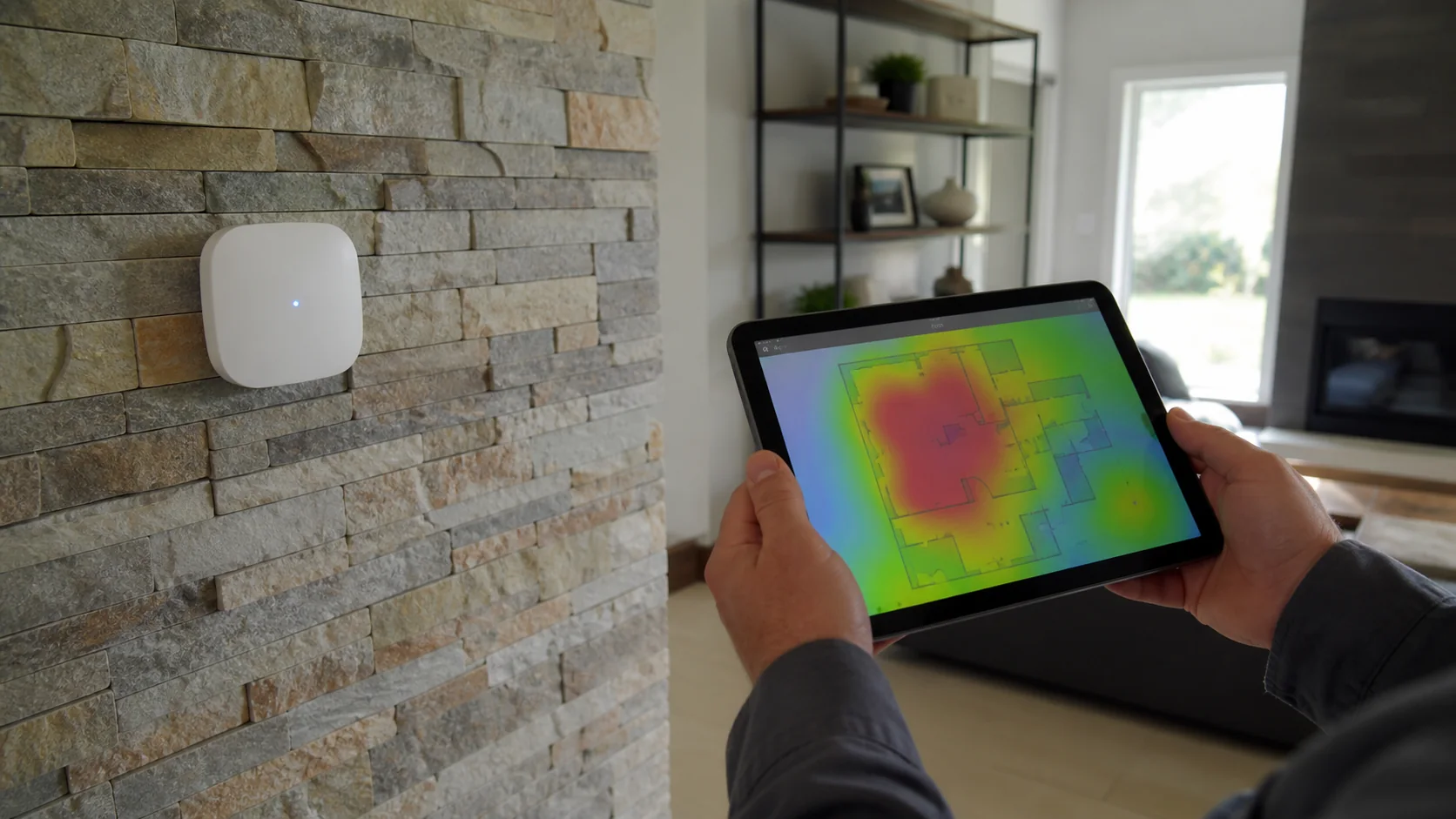
INTRODUCTION
A repeater sounds logical: place a device where WiFi does not reach and let it repeat the network. The problem is that it must first receive a useful connection in order to repeat one.
If the path back to the router is weak, the repeater can create a strong local signal while preserving a slow or unstable return link.
1. Coverage and speed are not the same
Coverage asks whether the client can hear the network. Capacity and link quality ask whether it can move enough data reliably. One more bar does not create spectrum or remove interference.
Placement changes the backhaul
2. The right place is usually before the dead zone
A wireless repeater belongs where it still receives a healthy link, not necessarily at the geometric centre of the home.
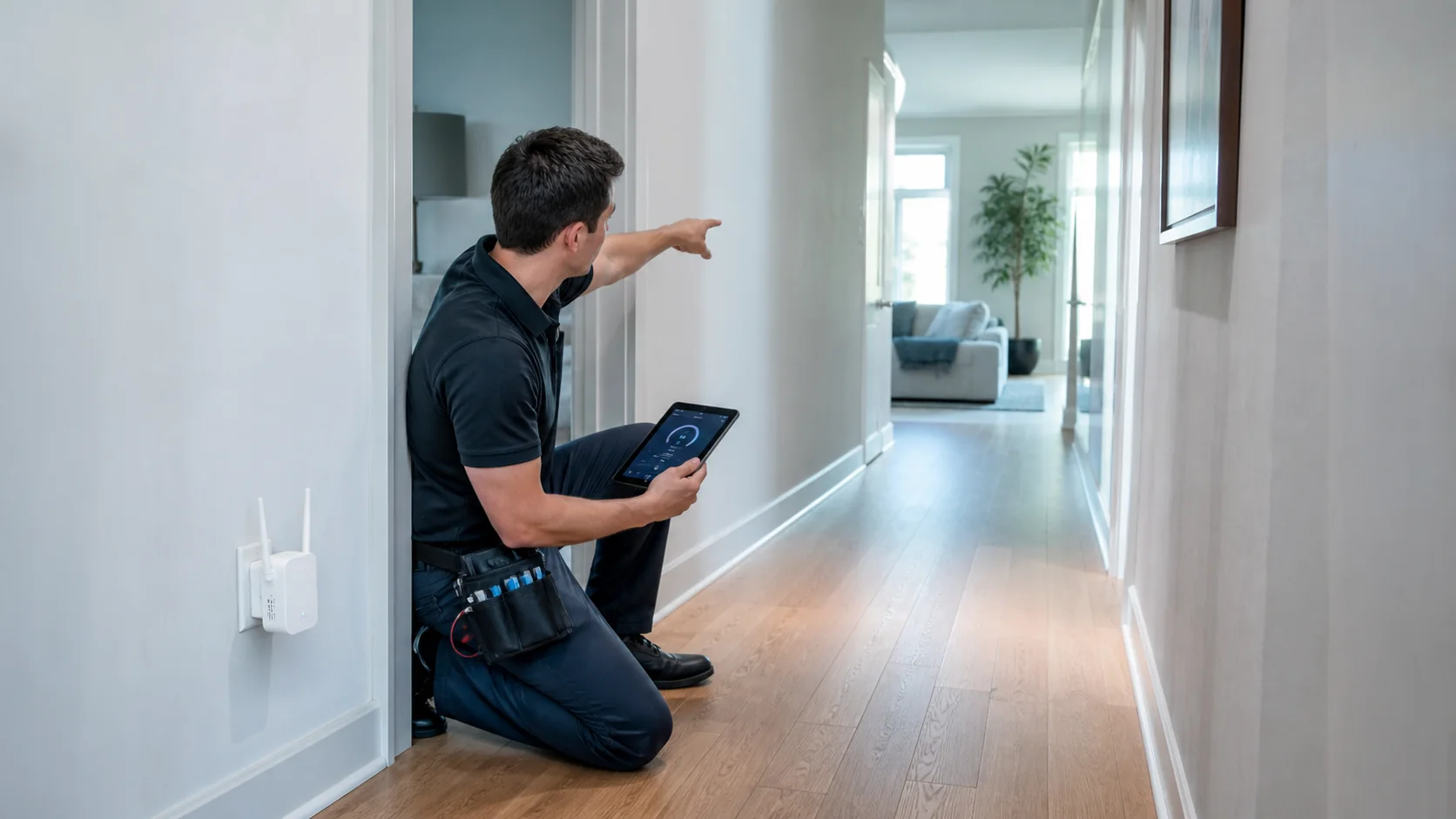
Example: the repeater inside the problem room
The phone now sees a strong network because the repeater is nearby, but the repeater still talks to the router across the same poor link. Moving it toward the hallway, where the upstream connection is healthy, improves the return path.
3. Materials matter
Concrete, metal, mirrors, water, cabinets and floor structures can affect the link. Moving equipment two metres or changing height may help more than adding another node.
4. A repeater does not create unlimited capacity
If performance drops only when many people connect, the problem may be capacity rather than coverage. Another device sharing the same radio medium may not solve it.

5. Repeater, Mesh or access point
| Option | It may make sense when |
|---|---|
| Repeater | Small zone, healthy source signal, moderate demand |
| Mesh | Several zones, cabling is impractical, nodes have healthy links |
| Wired access point | Ethernet is available and predictable coverage or capacity is needed |
6. Test before you buy
- measure near the router
- measure where the repeater would be placed
- measure in the final zone
- compare normal and peak periods
- check whether Ethernet is available

From context to a decision.
Diagnose the cause
Open the diagnostic↗Buy after identifying the need
Explore Store↗Resolve several zones, capacity or segmentation
Design my network↗Answers with the full context.
Where should a repeater be placed?+
Where it still receives a healthy connection from the main device—not necessarily inside the dead zone.
Why do I see full bars but the connection remains slow?+
Bars mostly describe the link between your device and the repeater. They do not prove the repeater has a healthy path back to the network.
Is Mesh always better?+
No. The right answer depends on space, backhaul, device density and required management.
When should I wire an access point?+
When Ethernet is practical and you need a more predictable basis for coverage or capacity.
SOURCES AND REFERENCES2
References consulted for this editorial review.