
INTRODUCTION
‘Mesh WiFi’ and ‘professional WiFi’ are not necessarily opposing technologies. The real difference is often how much you need to operate the network as infrastructure.
A home may need coverage and a simple app. A hotel, office or shop may also need guest isolation, device visibility, channel planning, permissions, troubleshooting, zoned growth and support.
1. Mesh solves many homes very well
Mesh can simplify setup, present one network name, connect multiple nodes and cover areas where wiring is difficult. It works well when the links between nodes remain healthy.
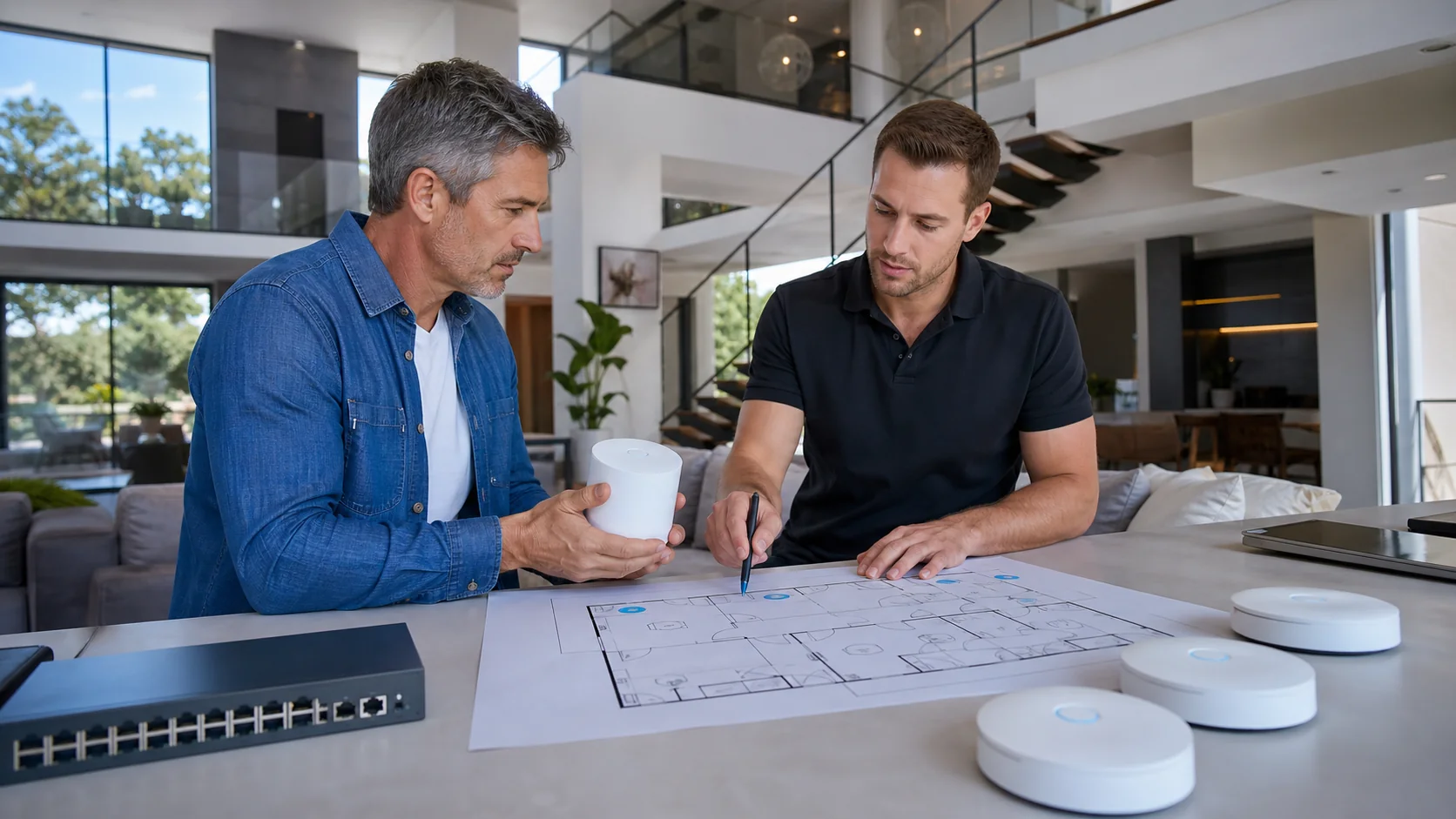
Example: a two-level home
Two well-placed nodes cover a moderate number of devices. There is no need for VLANs, a portal, advanced monitoring or complex policy. Enterprise infrastructure would add little proportional value.
2. The limit appears when the network becomes an operation
Now the property becomes a small lodging space. Guests, cameras, locks, TVs, IoT and remote support arrive. ‘I have signal’ no longer answers who connects, to which network, what failed, what is isolated and how the environment is administered.
How the requirement evolves
3. Backhaul is still decisive
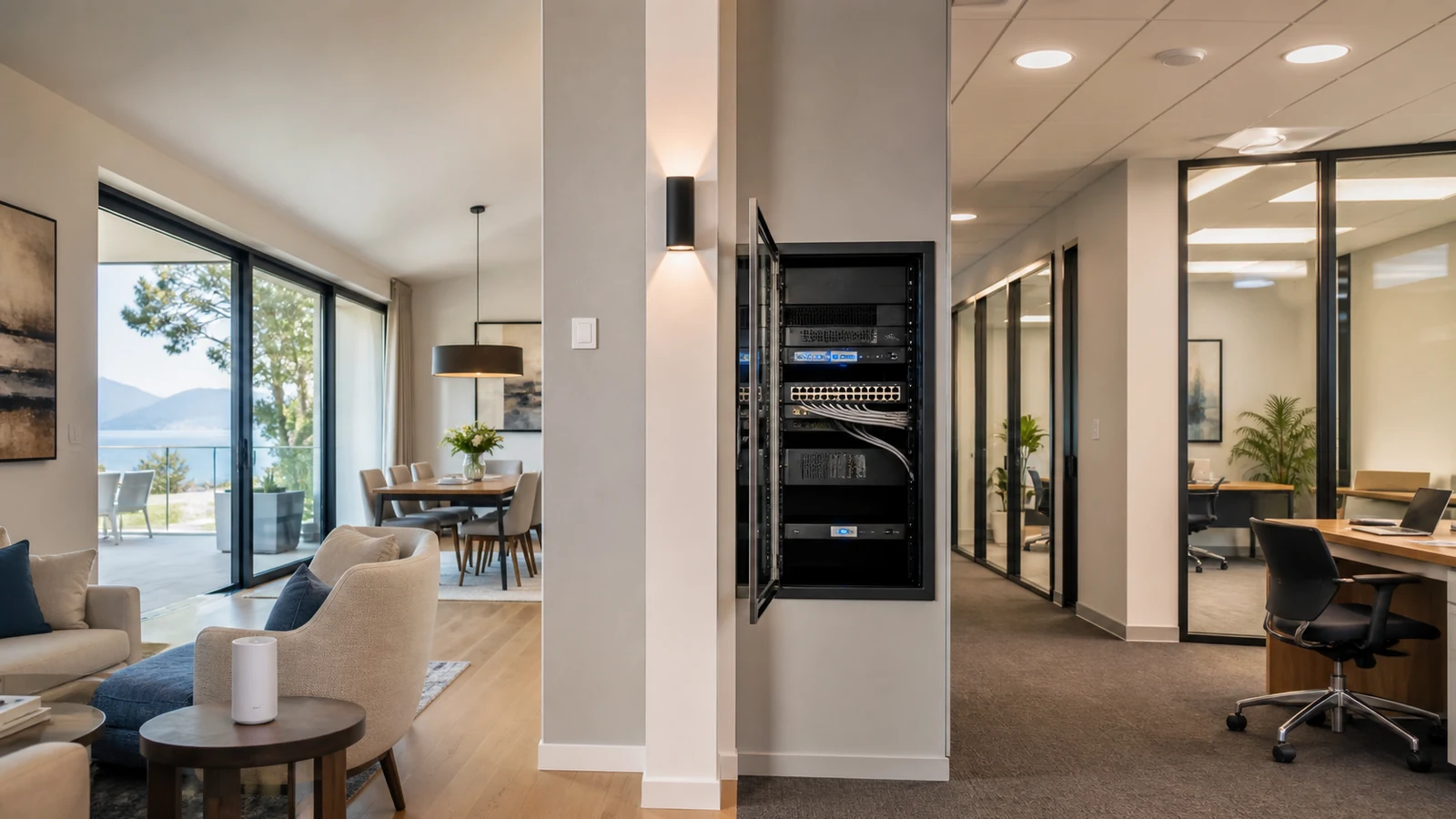
Wireless Mesh links need a healthy return path. Where Ethernet is available, wired access points can separate client airtime from transport. That physical foundation does not make every wired AP automatically better, but it changes what the system can predict.
4. Management is the important invisible difference
A managed network can expose access points, clients, channels, power, usage, events, updates and separated networks. That may matter little in a simple home and greatly where WiFi creates tickets, complaints or interruptions.
5. Comparison
| Need | Consumer Mesh | Professional WiFi |
|---|---|---|
| Fast setup | Strong | Depends on system |
| Wired backhaul | Model-dependent | Very common and recommended |
| Segmentation | Limited or variable | More flexible |
| Multi-AP management | Basic | Advanced |
| Monitoring | Basic | Greater visibility |
| Hospitality or office | Depends on scale | Often a better operational fit |
| Remote support | Variable | Designed for operations |
6. Which one do you need?
For a simple home where cabling is difficult, Mesh may be ideal. For several zones, guests, policy, IoT, visibility and growth, evaluate a managed network.

From context to a decision.
A point architecture is already decided
Explore Store↗Diagnose the environment
Open the diagnostic↗Design a managed network
Design my network↗Answers with the full context.
Is Mesh less professional by definition?+
No. Solutions exist at many levels. The useful distinction here is the management and operating capability the project requires.
Does an access point need a cable?+
Some platforms support wireless mesh between access points, but Ethernet backhaul usually provides a more predictable foundation when it is practical.
When do I need segmentation?+
When guests, administration, IoT, CCTV or other groups should not share the same level of access.
What difference does monitoring make?+
It adds context about failures and behavior instead of relying only on reboots or user reports.
SOURCES AND REFERENCES2
References consulted for this editorial review.