INTRODUCTION
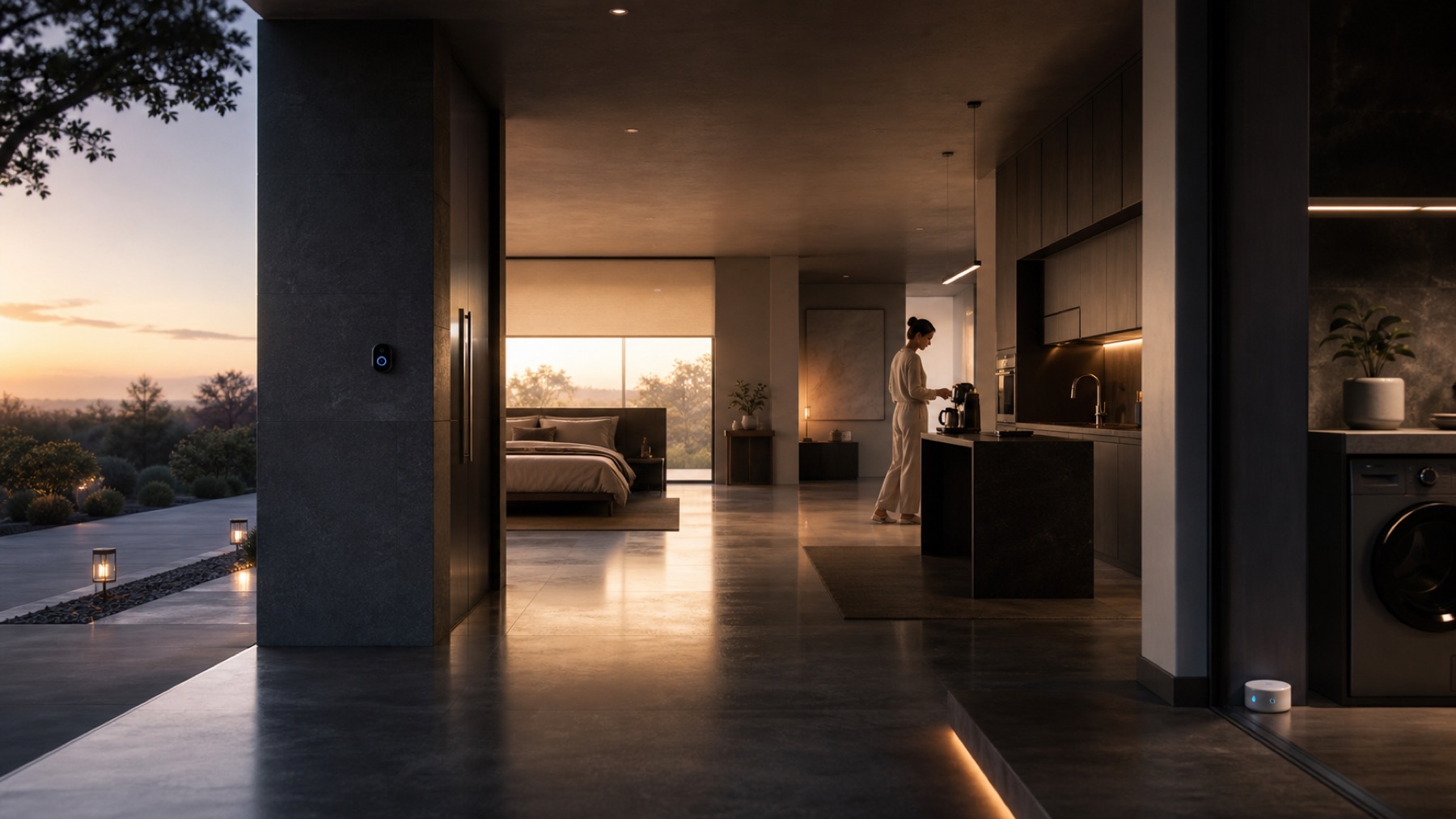
It is easy to imagine lights, shades, climate, locks, cameras, voice assistants and complete scenes all at once. Starting with everything can produce a house full of smart devices and a routine that is more complicated than before.
A better strategy is to find one recurring moment that currently requires several steps. The best first automation is often not spectacular; after a few weeks, you stop noticing it because it simply works.
1. Lighting is a useful way to learn how you want automation to behave
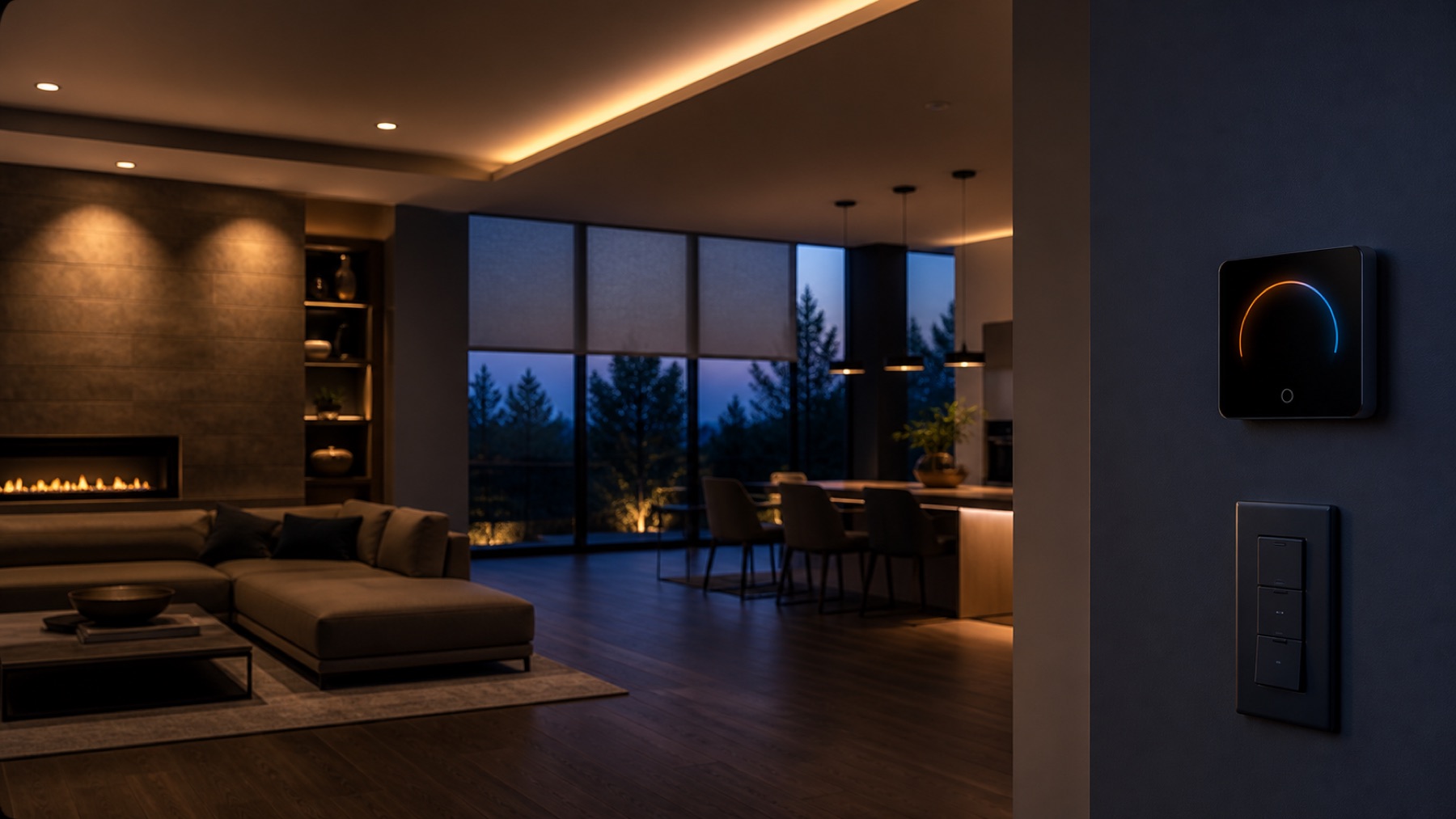
Lighting happens every day, gives immediate feedback and can retain understandable manual control. Think in scenes instead of automating every bulb separately:
- Arrive: entrance and primary area
- Night: turn off common areas and keep minimum circulation lighting
- Reading: task light and atmosphere
- Leave: turn off selected groups
Switches should remain intuitive for residents and guests.
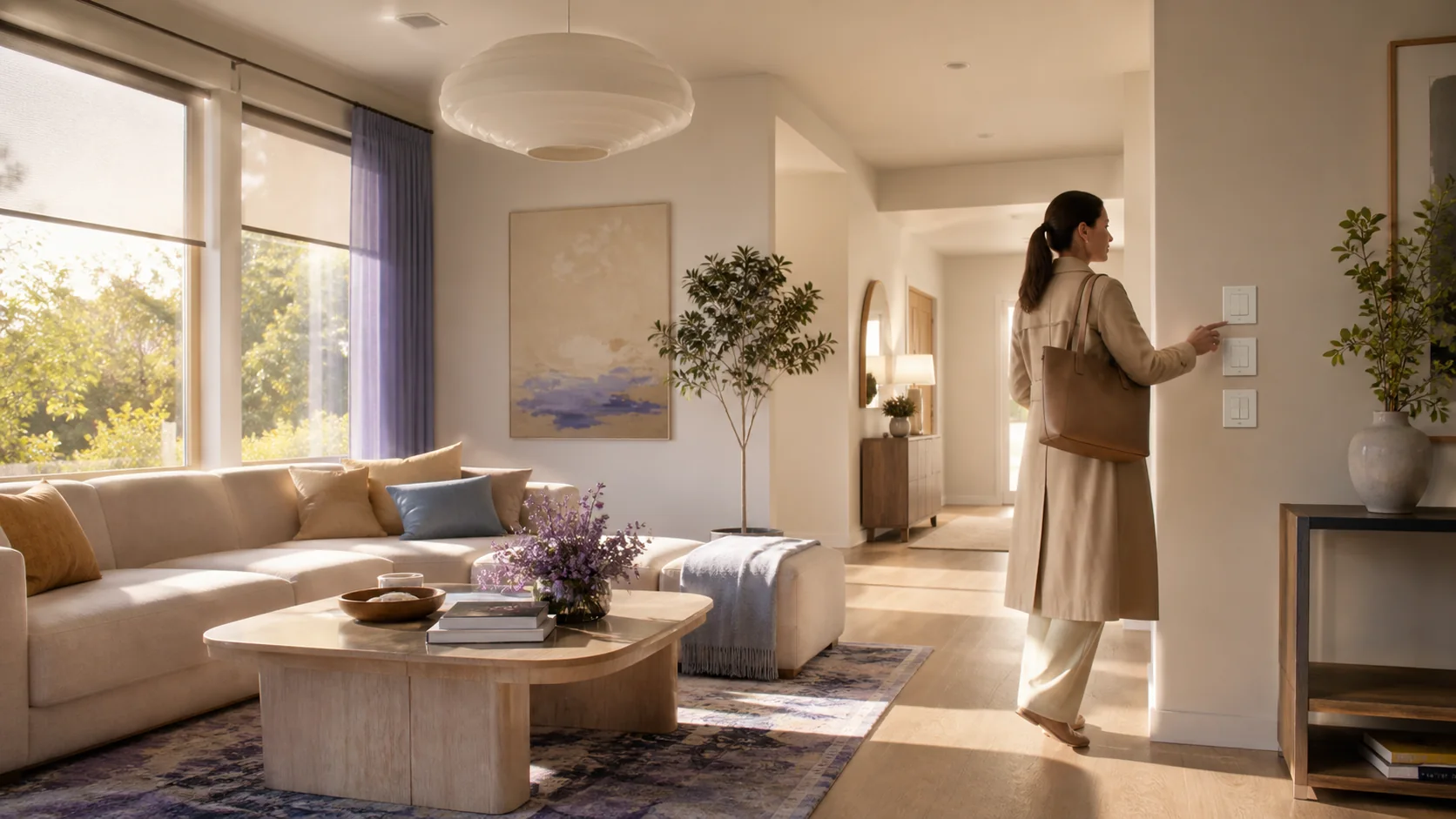
2. A good departure scene can remove more decisions than ten gadgets
Leaving often means checking lights, climate, shades, locks and security. A reliable departure scene can coordinate several actions, but it must allow exceptions. The scene should help you, not dictate the house.
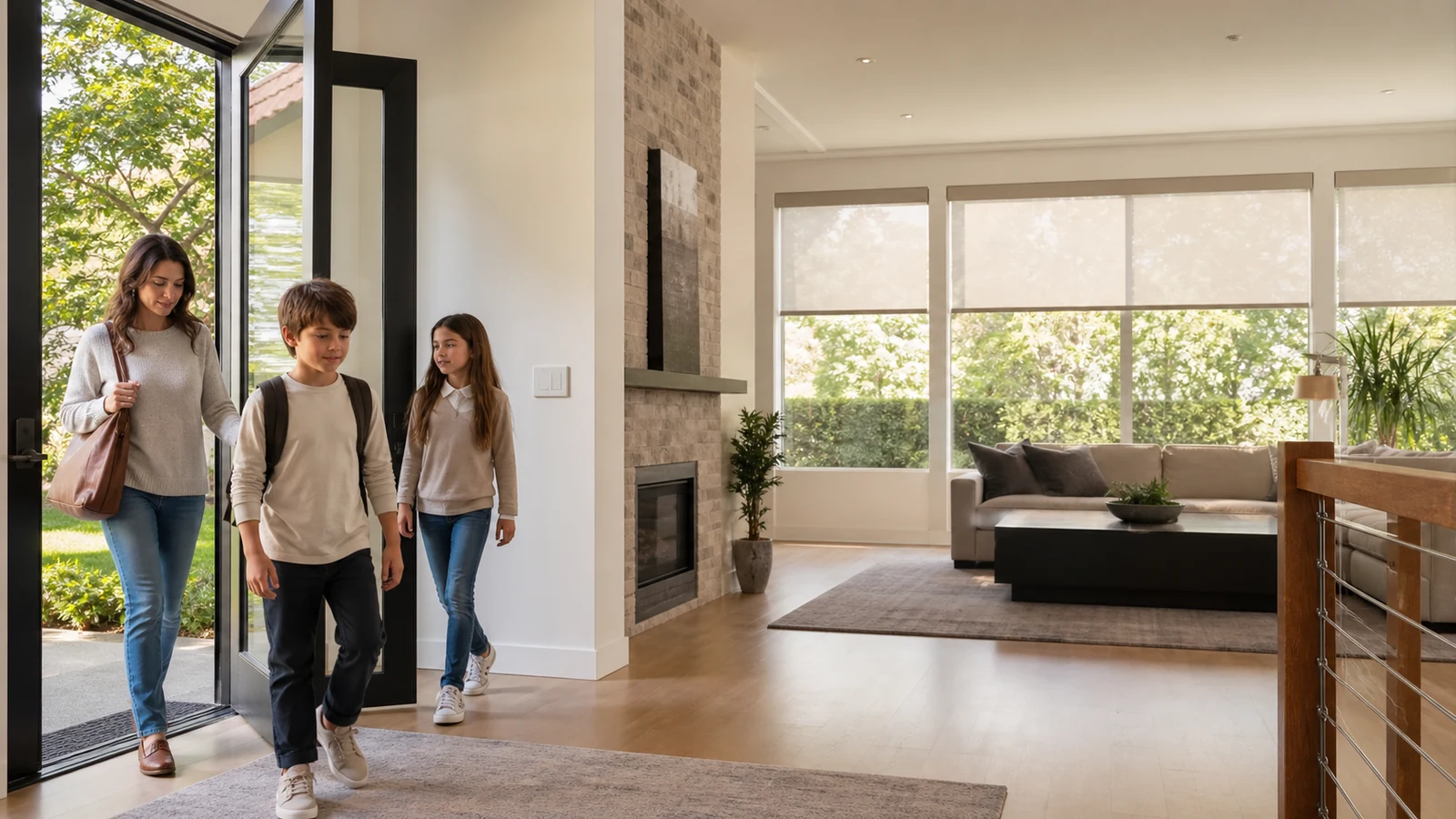
EXAMPLE: a night scene that genuinely saves steps
Every evening, a family lowers three shades, switches off several areas, adjusts temperature and checks the front door. A Good Night scene groups those actions while keeping physical controls available. If a shade fails, the system reports it instead of pretending everything worked.
3. Climate and shades add comfort but need more context
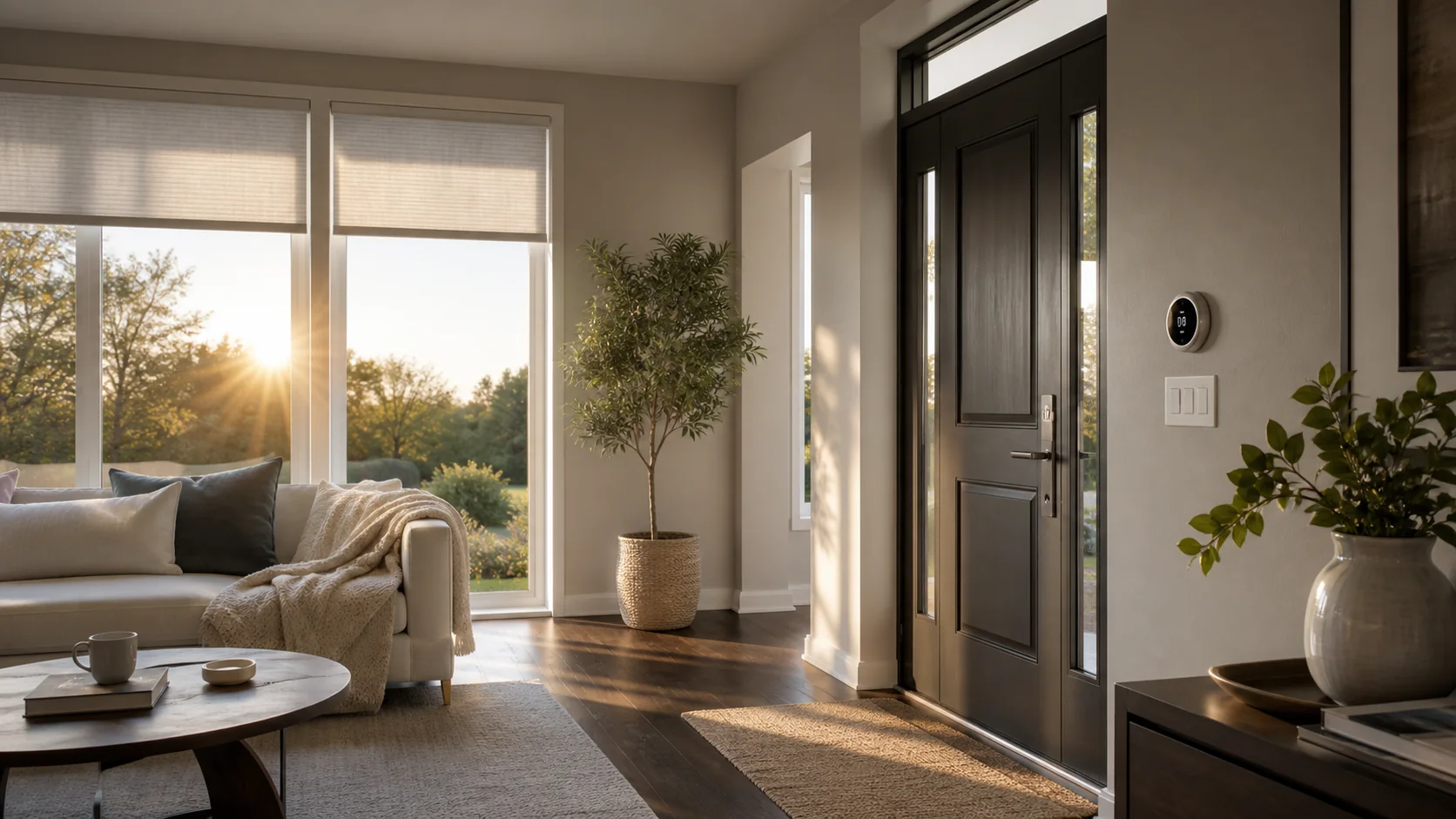
Presence, schedule, sunlight, temperature and personal preference affect these systems. Begin with simple limits and always allow manual adjustment.
4. Smart access adds convenience—and contingency planning
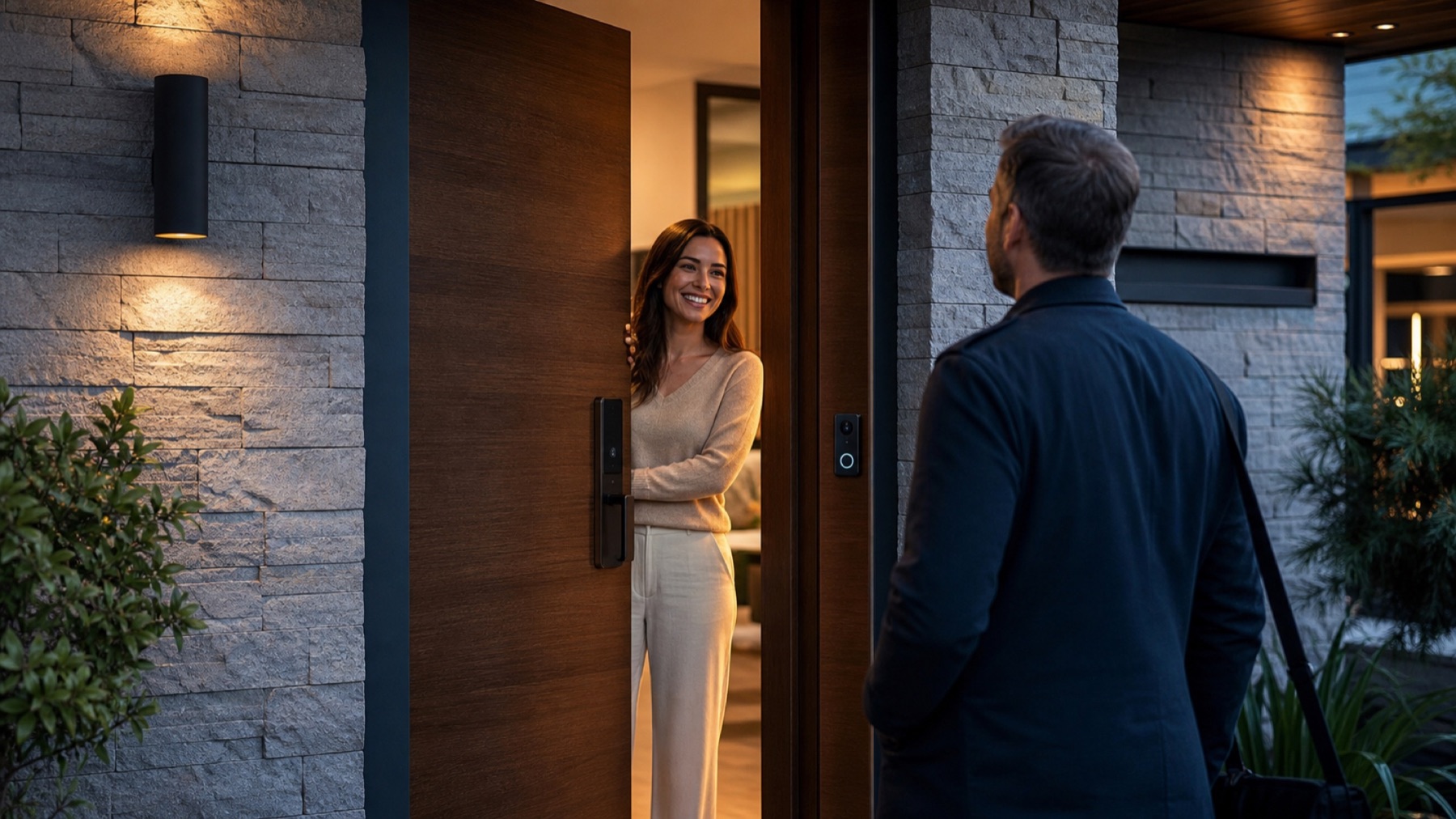
Locks, video doorbells and temporary permissions are useful, especially for visitors, service personnel and rentals. Plan for Internet loss, a dead phone, expired permission, emergency entry and manual operation.
5. Security can share events without making absolute promises
Sensors, cameras, lighting and notifications can coordinate through an away scene. Automation supports security practice; it does not replace it or justify every device reacting automatically to every event.
Where should you begin?
Start where frequency and friction are highest; expand after the foundation is reliable.
| Automation | Initial value | Complexity | Check first |
|---|---|---|---|
| Lighting | High | Low-medium | Physical controls and scenes |
| Leave / Night | High | Medium | Exceptions and visible states |
| Shades | Medium-high | Medium | Motors, limits and manual control |
| Climate | High | Medium-high | Sensors, schedules and preferences |
| Access | High | Medium-high | Contingency, permissions and power |
| Integrated security | High | High | Rules, notifications and recovery |

Answers with the full context.
What is usually the easiest automation to begin with?+
Lighting is a strong entry point because its effect is immediate, it is used daily and manual control is easy to preserve. A clearer pain point such as access or climate may justify starting elsewhere.
Should I automate the whole home at once?+
Not necessarily. A few scenes help reveal preferences and compatibility before expansion, provided the base supports future integration.
Should automations work without Internet?+
Critical functions should account for Internet loss. Some rules execute locally while others depend on cloud services; access and security need special attention to recovery and manual control.
Does Matter guarantee every device works with every other device?+
No. Matter improves interoperability in supported categories, but products and platforms do not necessarily expose every feature. Verify functions before designing a scene around them.
SOURCES AND REFERENCES2
References consulted for this editorial review.
- Conservar:
- Connectivity Standards Alliance — Matter FAQs