INTRODUCTION
Opening a door from a phone is easy to imagine; designing what happens without Internet, battery or a valid permission is the important part.
Begin with the person entering, not the device on the door. Residents, guests, vendors and staff need different permissions, durations, verification steps and recovery paths.
Define who arrives, who decides and what must be recorded
A resident, guest, vendor and visitor do not need the same permission. Define how identity is checked, who authorizes, how long access lasts and how it is revoked before choosing a device.
- Who needs access and for how long
- Who approves visitors or temporary users
- Whether conversation and video verification are required
- How permissions are issued and revoked
- What must work without internet or a phone
- Safe egress, physical override and backup power
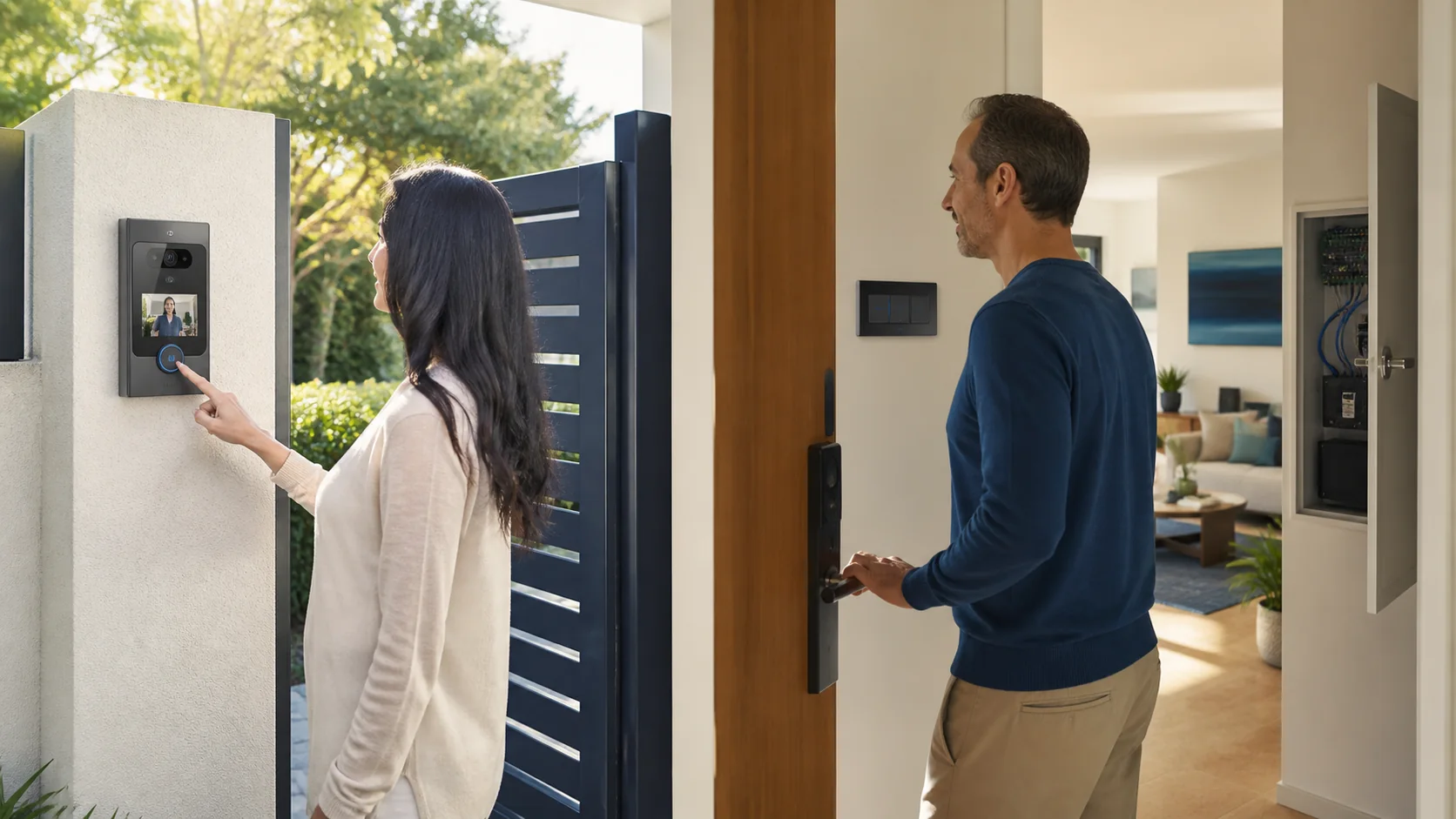
Three products, three different jobs
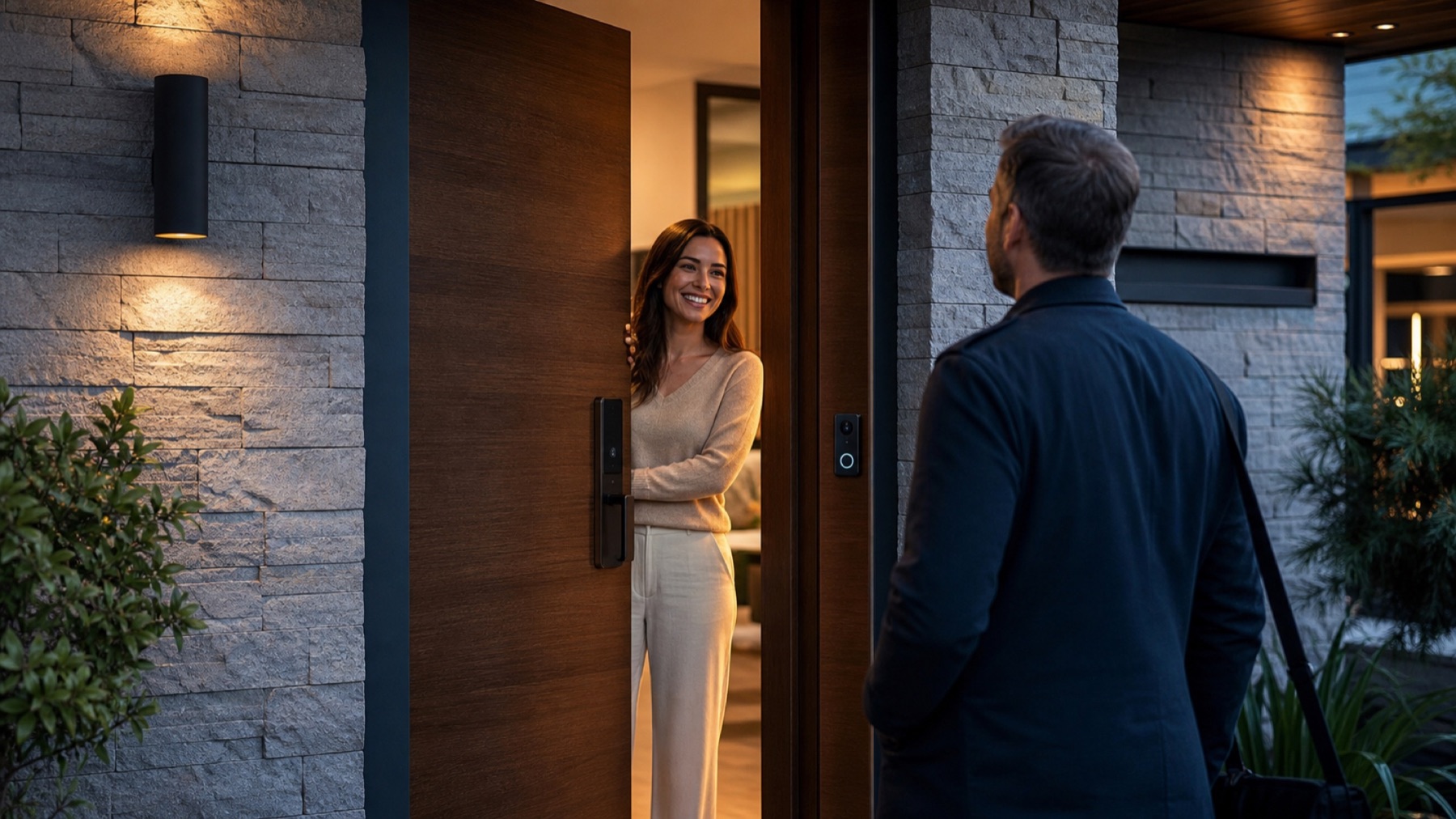
The lock secures the opening, the video doorbell enables conversation and verification, and an access system manages identities and records. They can integrate, but they are not equivalent.
| Option | Primary job | Best fit | Do not overlook |
|---|---|---|---|
| Smart lock | Locks and unlocks one opening | Residential convenience and managed users | Battery, key override and door compatibility |
| Video doorbell/intercom | Conversation and visual verification | Visitor handling | Connectivity, field of view and response workflow |
| Access control | Identity, permissions and logs | Multiple users, schedules or doors | Egress, administration and contingency |
| Integrated system | Coordinates several layers | More complex residences or operations | Compatibility and ownership of administration |
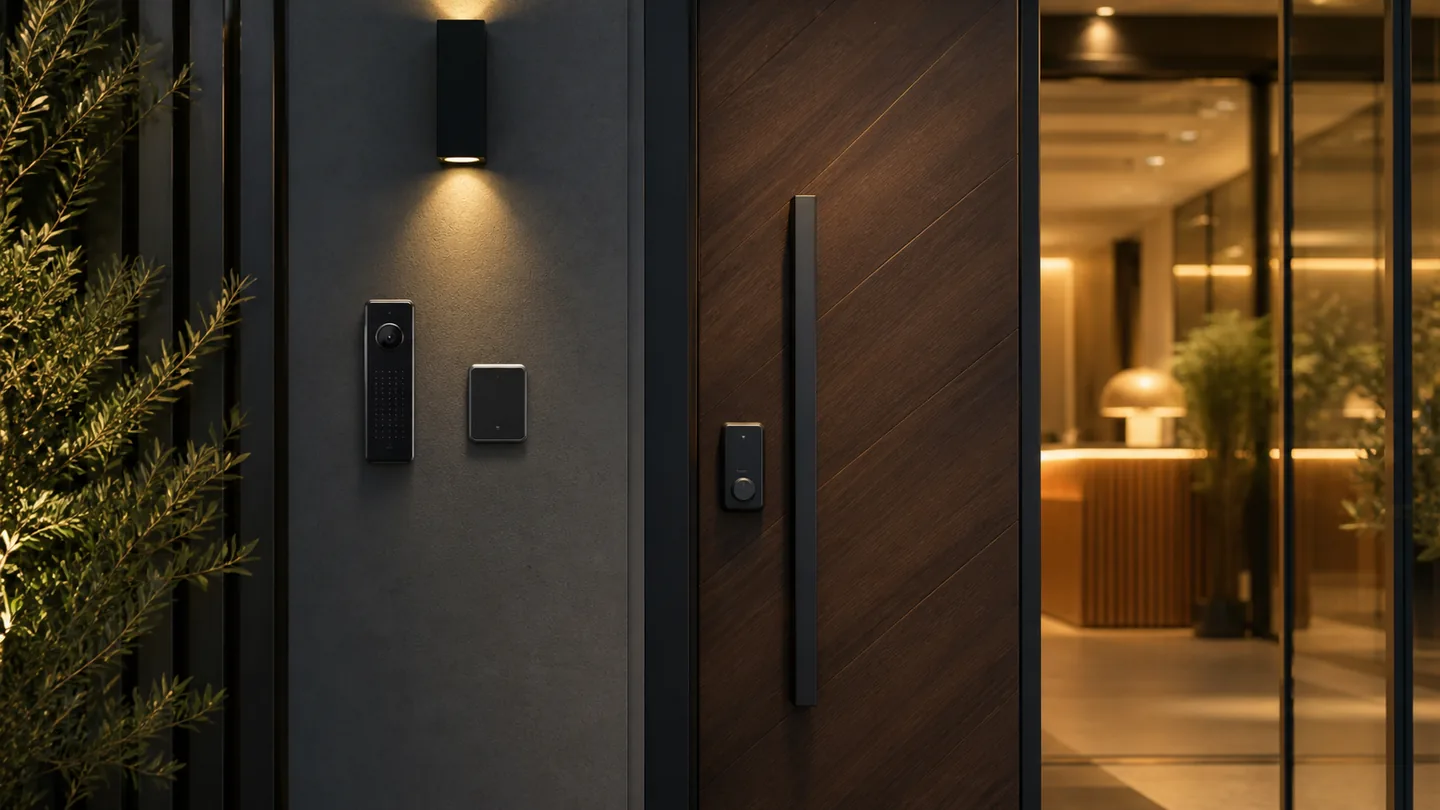
Locking, conversation and permission management are separate layers
A polished user experience depends on exceptions. Lost phones, expired codes, internet outages, low batteries, emergency exit and staff turnover should be designed before the system is installed.
A complete access journey
A home with visitors and service personnel needs more than remote opening
Residents may use a persistent credential, a guest may receive a temporary code and a maintenance provider may need access only during a scheduled window. The video doorbell helps the resident understand who is outside; the lock performs the physical action; the access layer creates, expires and records permissions. Treating one device as all three can leave the household without clear revocation, audit history or a workable fallback.
Convenience fails when the exception path was never designed
Choose the smallest access system that still handles contingencies
Physical key, backup power, inside egress, local connectivity, lost phones and user administration are part of the experience. Convenience must preserve a safe, understandable exit.
Test power loss, Internet loss, an unavailable phone, depleted batteries, emergency egress and credential revocation. Manual operation should remain understandable to residents and authorized visitors. Once those paths are clear, product selection becomes easier because each feature can be tied to a real moment in the access journey instead of a generic smart-home promise.
- 01Map user types and permission durations
- 02Confirm door and lock compatibility
- 03Define visitor verification
- 04Plan no-internet and low-battery behavior
- 05Document administration and revocation

From context to a decision.
Choose equipment for one defined opening
For verified compatibility and a simple access requirement.
Explore Store↗Design permissions and contingencies
For several users, doors, schedules or integrated systems.
Design my project↗Answers with the full context.
Is a video doorbell the same as access control?+
No. It helps communicate and verify a visitor; access control manages identities, permissions and often event records.
Does a smart lock need internet to work?+
Some functions may operate locally while remote features depend on connectivity. Verify the exact model and define a usable offline path.
What happens when the battery or phone fails?+
A responsible design includes low-battery alerts, physical or local recovery and safe egress appropriate to the opening.
When is a project better than a single device?+
When several doors, user types, schedules, visitor workflows or other systems must share one administration model.
SOURCES AND REFERENCES2
References consulted for this editorial review.
- CISA — Personal Security Considerations Action Guide, como referencia general para considerar acceso físico y contingencias.
- Para implementación de producto: usar documentación oficial del fabricante del equipo seleccionado para funciones offline, credenciales, alimentación y compatibilidad.