INTRODUCTION
Choosing DVR or NVR does not start with the recorder: it starts with the scenes you need to observe and retain.
DVR and NVR labels describe different signal paths, but the recorder is only one part of the system. Start with what each scene must show and how long that evidence must remain available.
Let existing cabling and required scenes narrow the choice
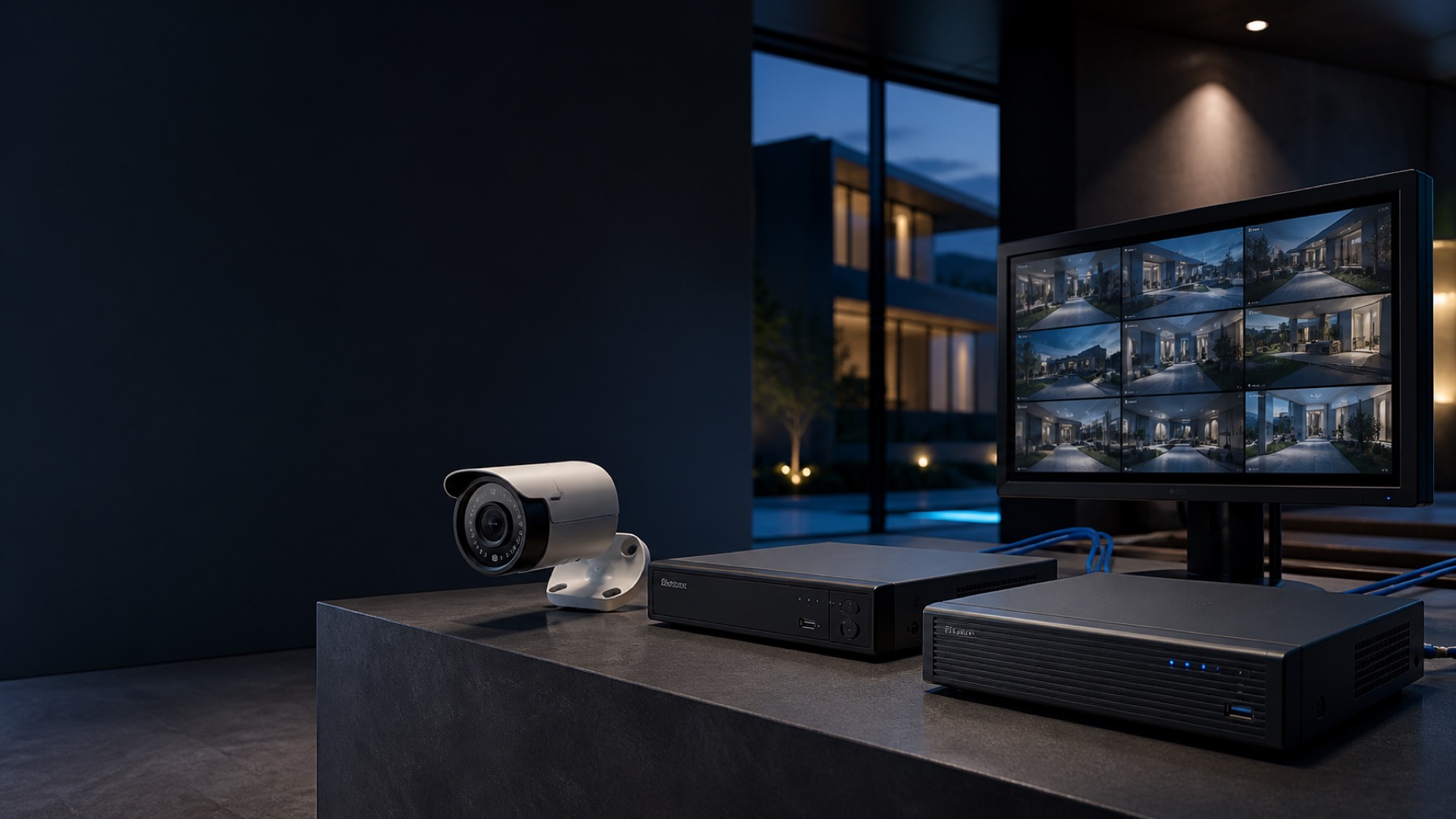
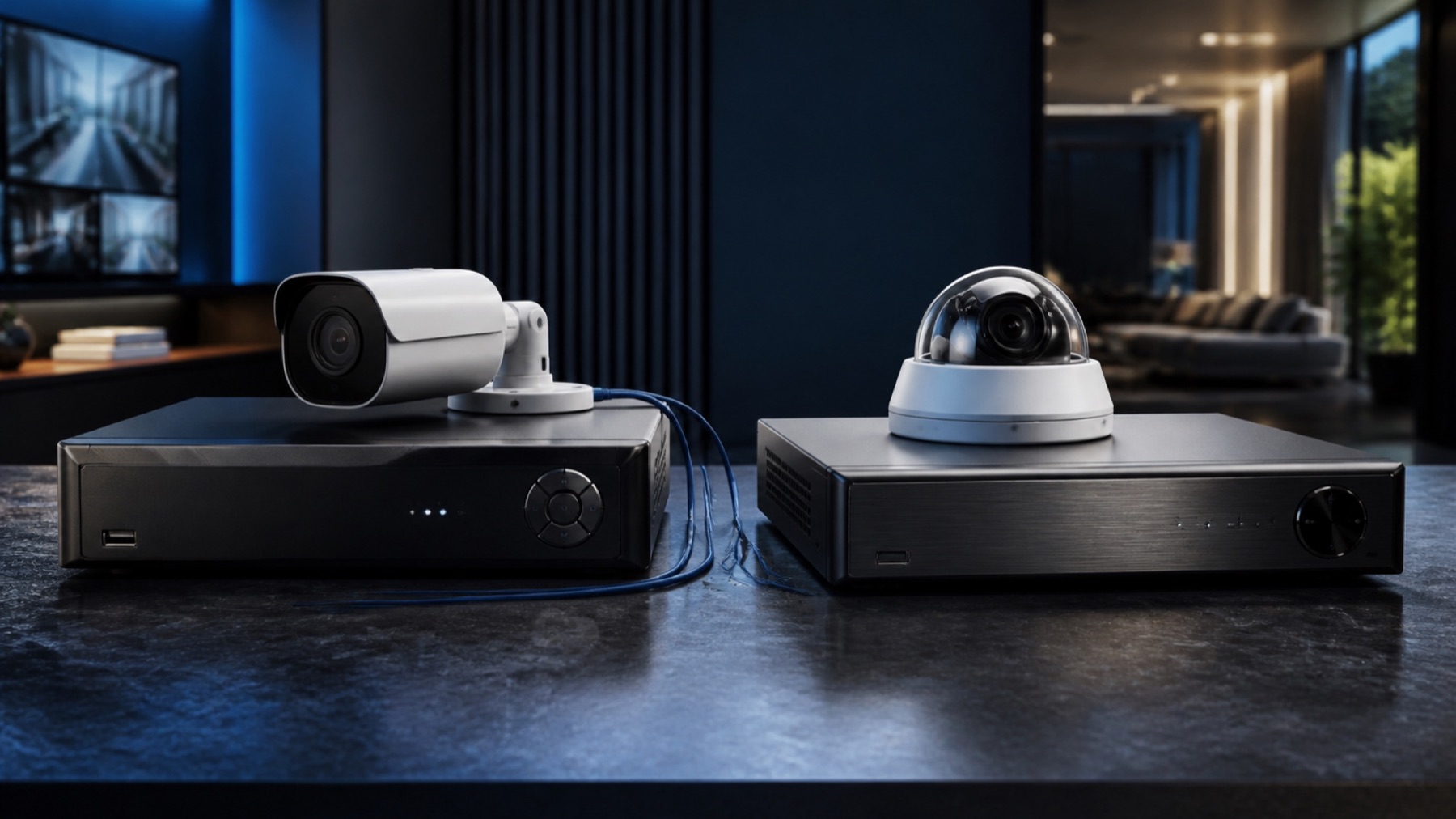
A DVR often receives video from compatible coax-connected cameras; an NVR manages IP camera streams over a network. Hybrid variants and features exist, so compatibility must be checked by model, channel and format.
- Existing coaxial or Ethernet infrastructure
- Required camera scenes and detail
- Recorder channels and input formats
- Network bandwidth and PoE capacity
- Recording settings and retention target
- Remote access, user permissions and updates
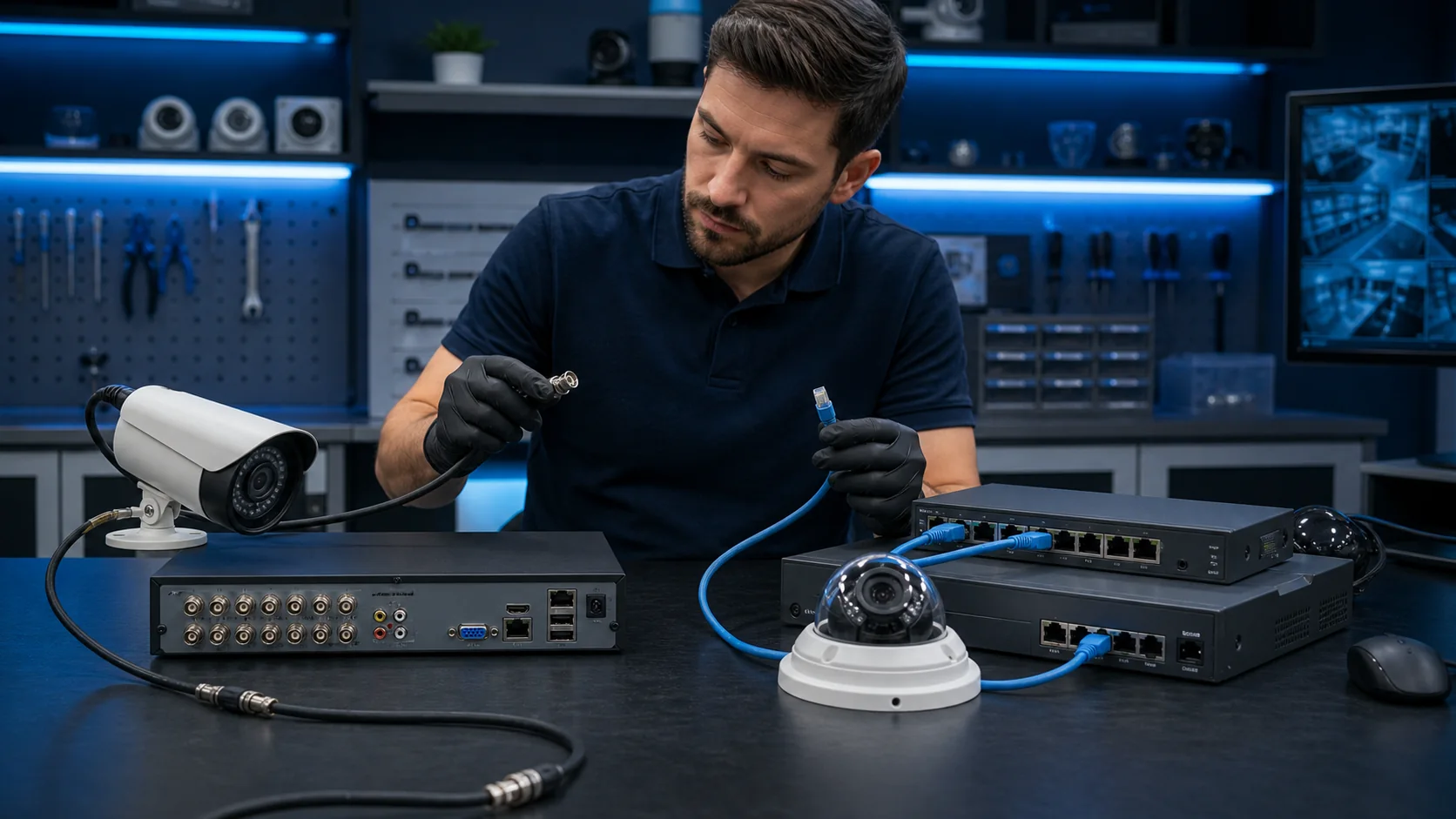
DVR and NVR: the practical differences
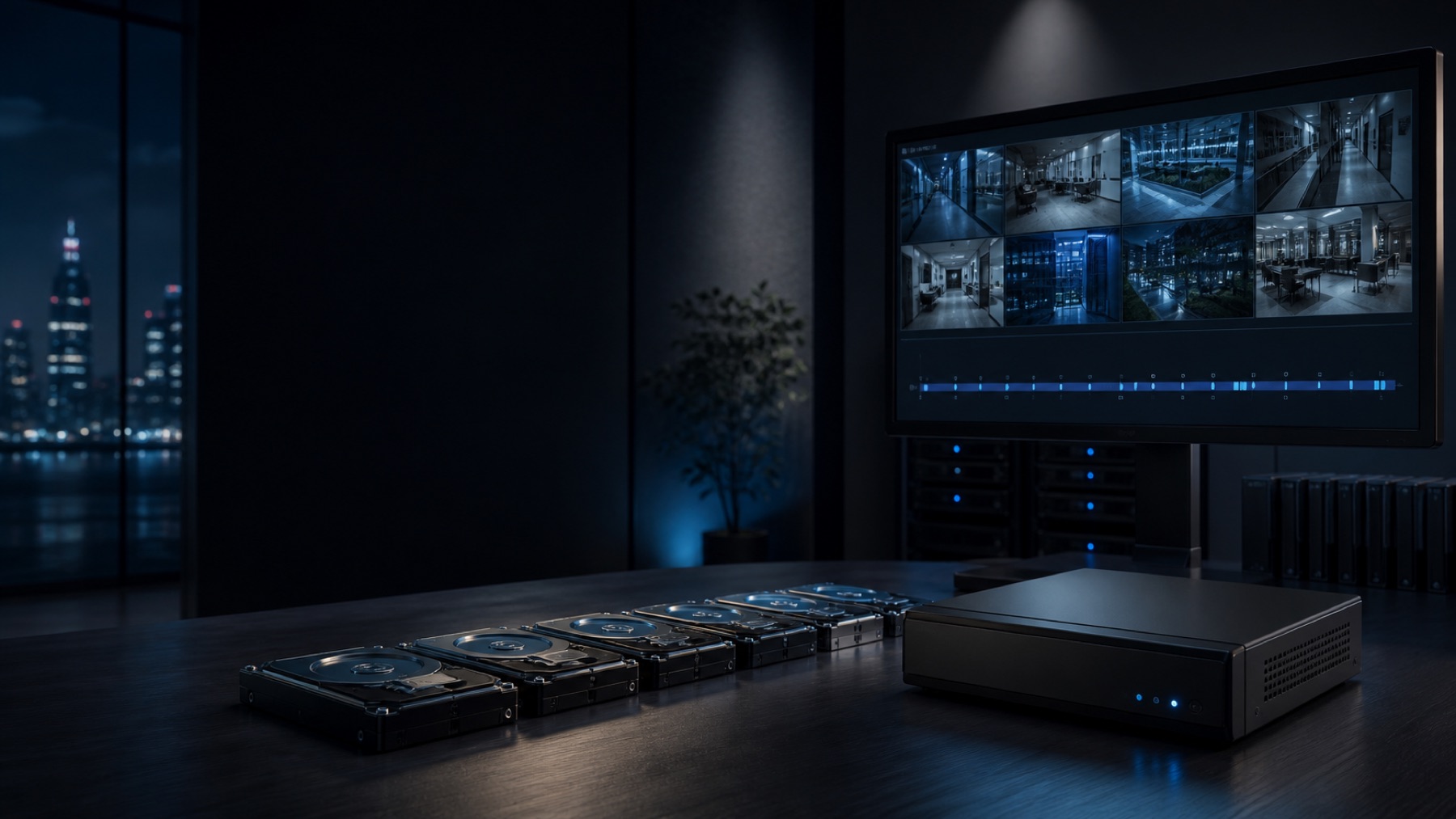
Resolution, frame rate, compression, scene activity and retention days change storage. A main entrance may require more detail than a corridor; setting everything to maximum rarely replaces that prioritization.
| Decision | DVR-oriented kit | NVR-oriented kit |
|---|---|---|
| Camera path | Compatible camera signal over coaxial cabling | IP video over a network |
| Power | Often separate from video path | May use PoE when equipment supports it |
| Network dependency | Network mainly for remote access | Network is part of camera transport |
| Expansion | Depends on channels, formats and existing cable | Depends on ports, bandwidth, PoE and recorder capacity |
| Compatibility check | Camera format, resolution and recorder input | Streams, codecs, events, analytics and PoE |
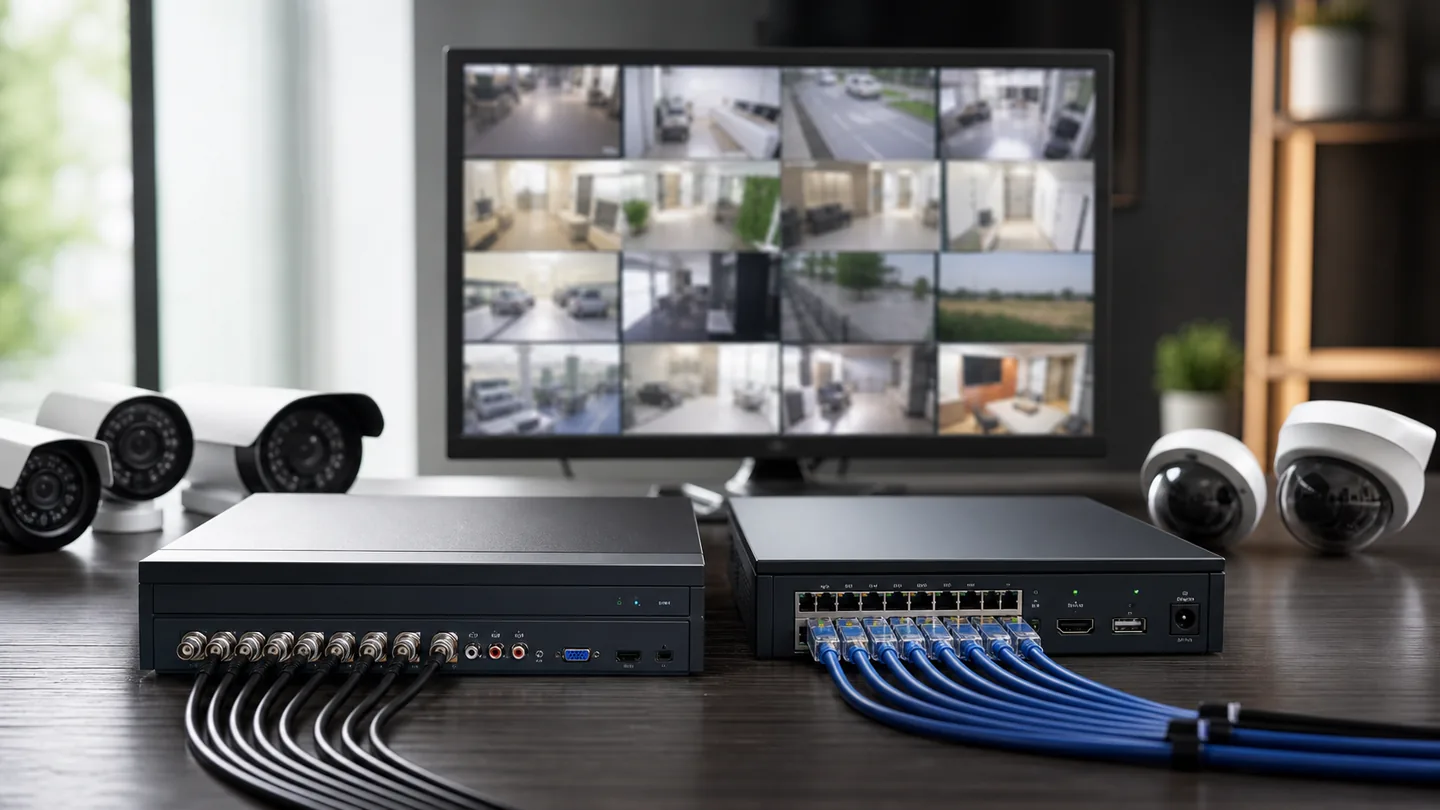
Channels, storage and feature support determine usable capacity
A kit can contain individually good components and still miss the requirement. Verify model-level compatibility, storage assumptions and the physical installation before treating a bundle as a complete solution.
Two recording architectures
A coaxial shop and a networked office should not buy the same kit
A local shop with sound coaxial runs may expand economically through a compatible DVR architecture, provided resolution and feature requirements fit. A new office with Ethernet pathways, managed switches and PoE may benefit from network cameras and an NVR. Neither answer is universally better. The correct kit is the one whose signal path, power, storage and administration match the site.
A bundle is only complete when its exact models work together
Confirm compatibility and retention before comparing kit prices
General labels such as IP, PoE or ONVIF do not guarantee every advanced feature. Audio, analytics, events, profiles and playback must be checked in the specific combination.
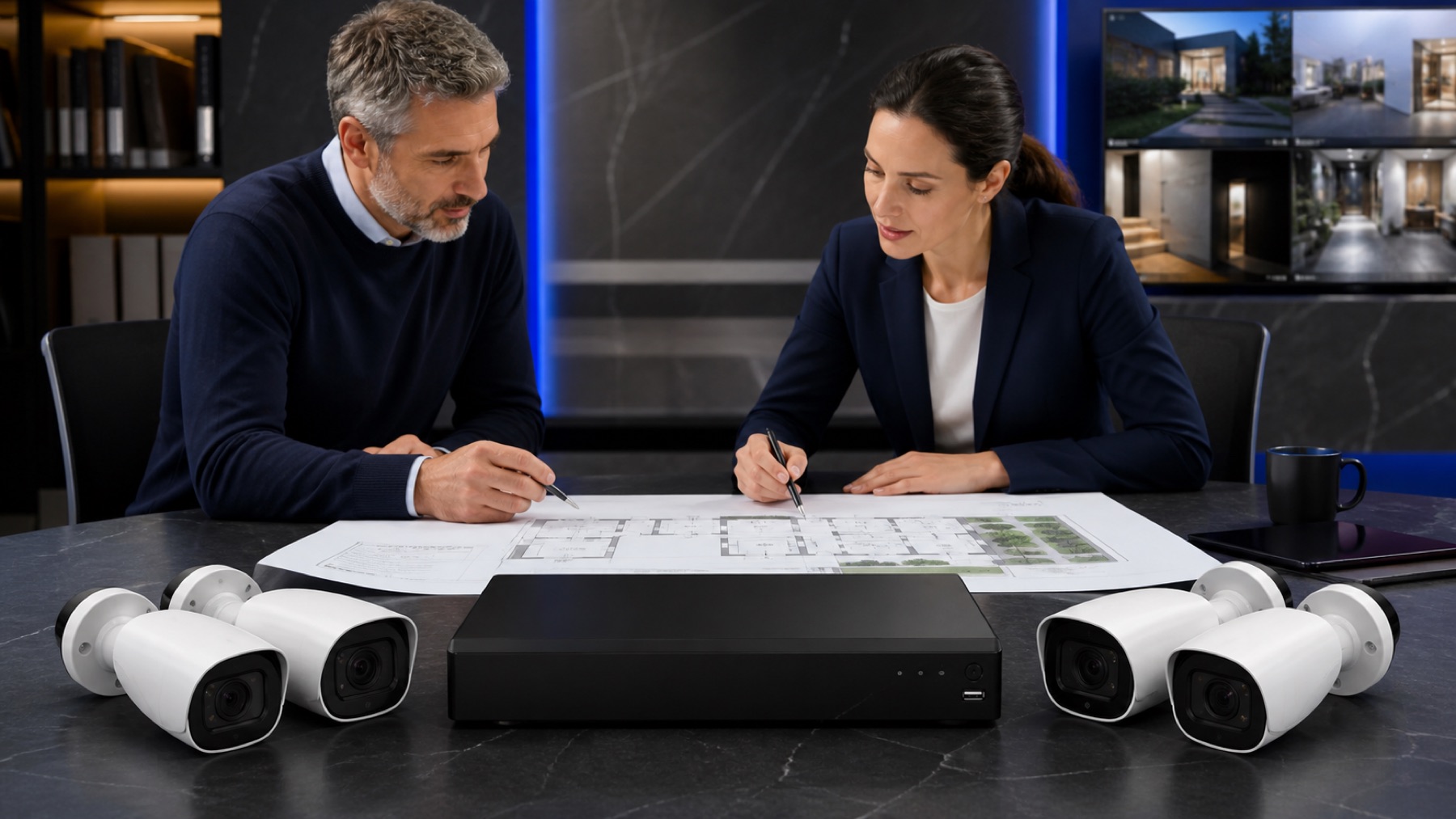
Check camera formats, streams, codecs, events, audio, analytics, PoE budget and supported firmware at model level. Calculate storage from realistic bitrate, frame rate, schedule and retention—not just hard-drive size. Reserve future channels only when the physical pathways, network and power can support the intended expansion.
- 01Confirm the purpose of every camera
- 02Inventory existing cabling
- 03Verify exact camera-recorder compatibility
- 04Estimate retention using real settings
- 05Plan accounts, backup and future expansion

From context to a decision.
Plan the system first
Clarify scenes and retention before recorder selection.
Open planner↗Compare compatible kits
For an architecture whose constraints are understood.
Explore Store↗Design security as a complete system
For multiple zones, infrastructure or operational requirements.
Design my system↗Answers with the full context.
Is NVR always better than DVR?+
No. The appropriate architecture depends on existing infrastructure, required features, growth and the exact equipment combination.
Can existing coaxial cable be reused?+
Often it can support compatible DVR-oriented systems, but cable condition, connectors, distance, power and desired features should be inspected.
Does ONVIF guarantee full compatibility?+
No. It helps interoperability, but profiles and implemented features vary. Verify streams, events, audio, analytics and playback on the exact models.
How should a kit be sized for future cameras?+
Reserve recorder channels, storage, network bandwidth, PoE power and physical pathways only after defining realistic expansion—not an arbitrary maximum.
SOURCES AND REFERENCES4
References consulted for this editorial review.
- ONVIF — Profiles overview.
- ONVIF — Profile S.
- ONVIF — Profile G.
- ONVIF — Profile T.