INTRODUCTION
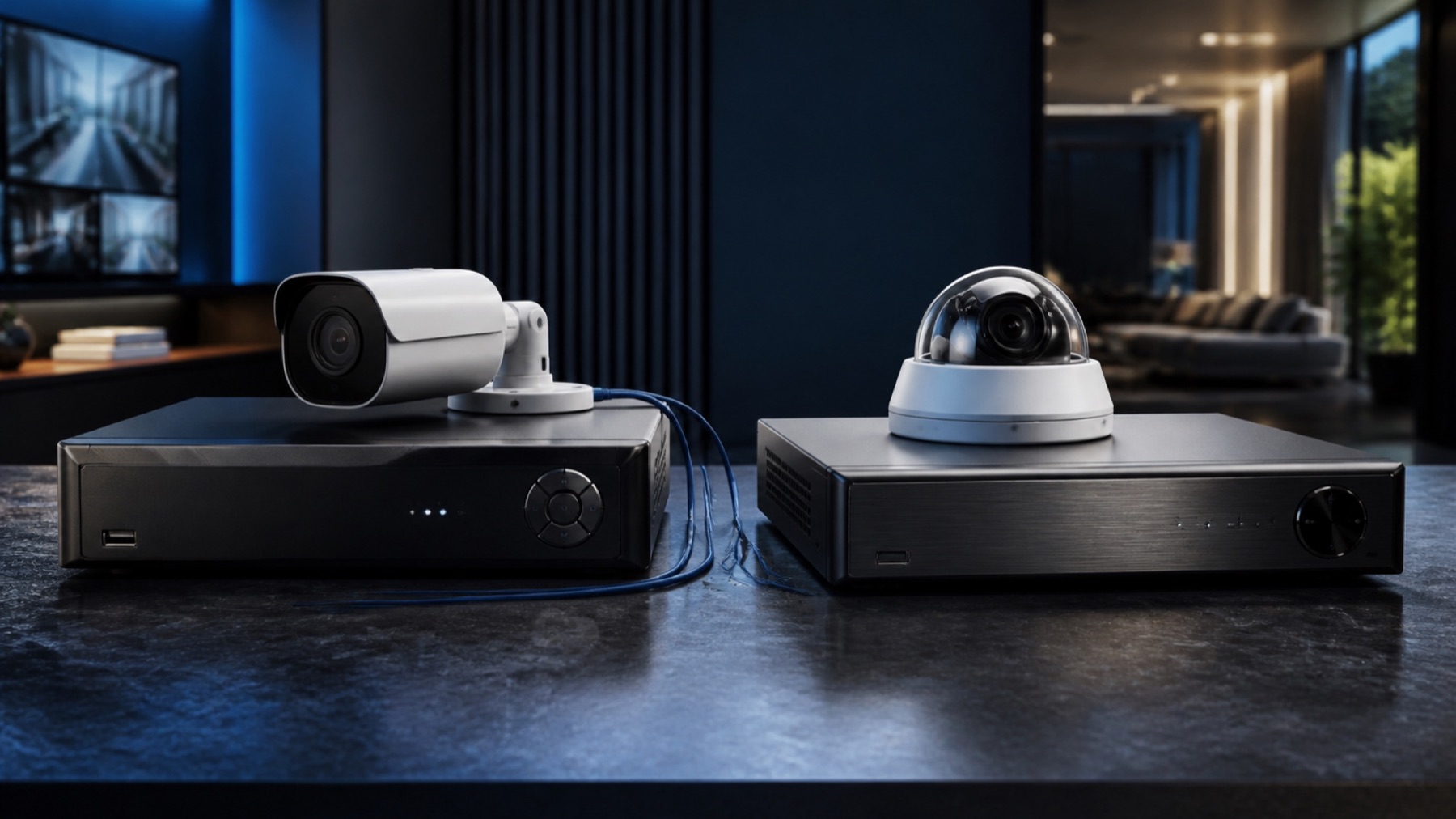
An IP camera is not an NVR and a DVR is not a camera: understanding three pieces prevents buying a system that cannot talk to itself.
A camera, a recorder and a network are different parts of one security system. Understanding the signal path makes product labels easier to read and helps prevent combinations that record video but fail at the features you actually need.
Follow the image from the scene to recorded evidence
A camera turns the scene into video. In IP systems it can compress and send the stream over the network; other cameras deliver a compatible signal to a recorder that performs part of the processing.
- The scene and evidence expected from each camera
- Existing coaxial or Ethernet cabling
- Power delivery and backup
- Recorder channels, throughput and supported formats
- Resolution, frame rate and retention
- Remote access, accounts and update policy
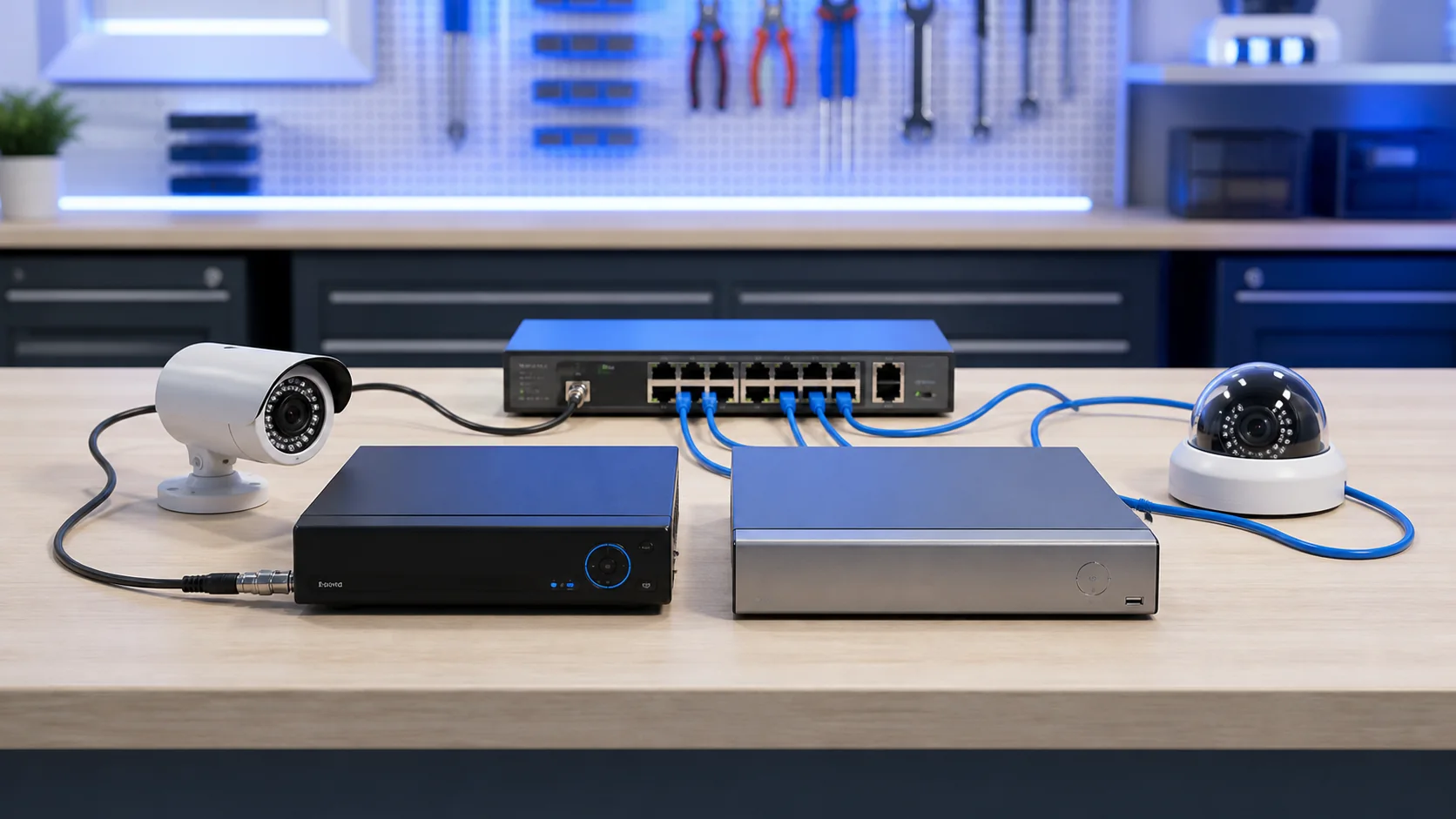
IP camera, DVR and NVR in plain terms
A DVR usually concentrates signals from cameras connected through compatible cabling and formats. It may provide network and remote access, but that does not automatically make cameras independent IP devices.
| Element | Primary role | Typical connection | Verify before choosing |
|---|---|---|---|
| IP camera | Captures and encodes video | Ethernet or compatible network link | Power, stream profiles and supported events |
| DVR | Records compatible camera signals | Often coaxial camera inputs | Signal format, channels and resolution |
| NVR | Records network video streams | IP network | Bandwidth, camera compatibility and PoE capacity |
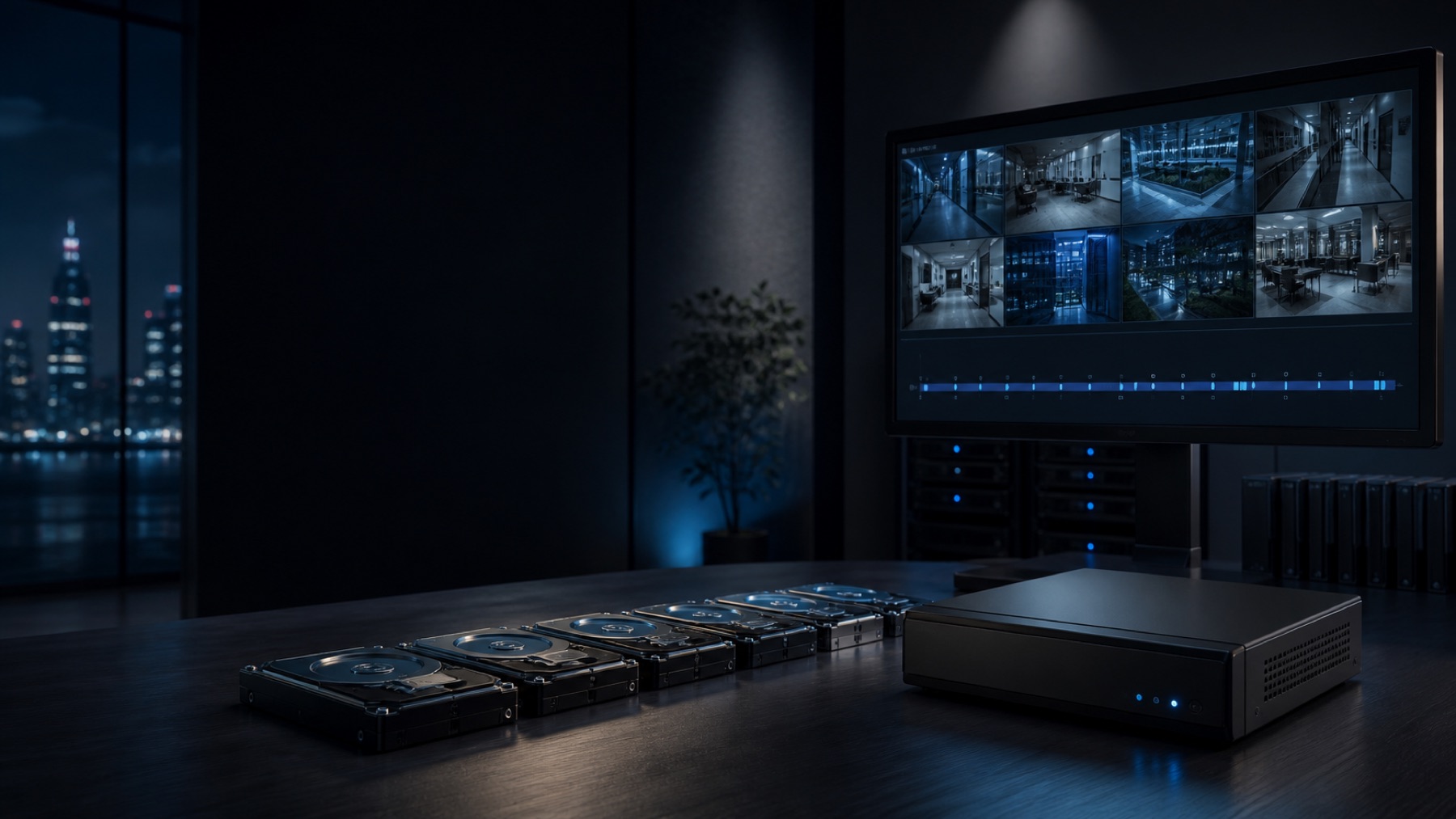
| Storage | Keeps recorded evidence | Inside recorder or approved storage | Retention, drive support and overwrite behavior |
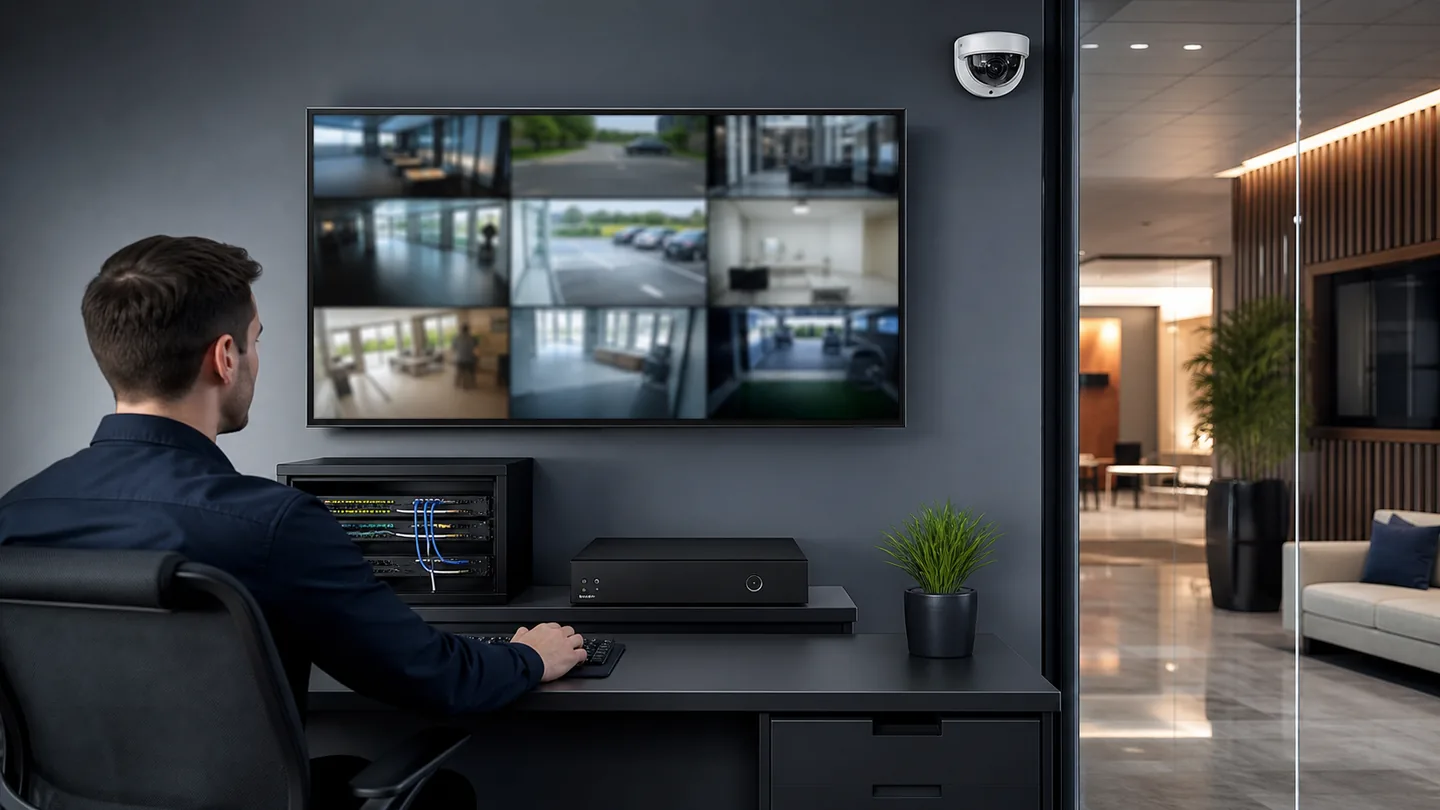
Recorder, network, power and storage define one evidence path
Compatibility must be checked at feature level. A camera may provide basic video to a recorder while audio, analytics, events or playback controls remain unavailable in that exact combination.
Follow the video path
Expanding an existing site changes the architecture question
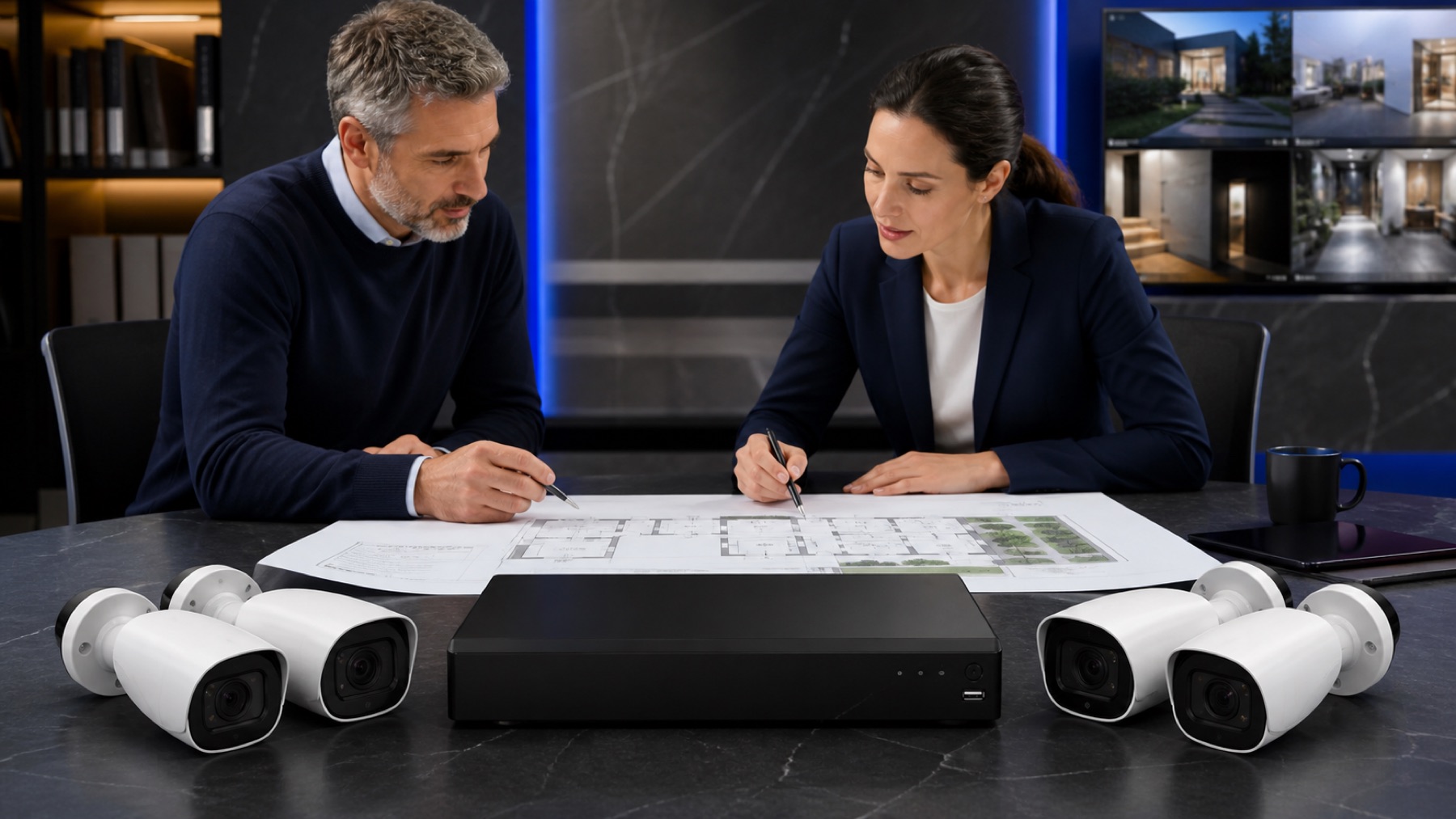
A small shop already has usable coaxial runs to four positions and needs two additional views. Replacing every cable may add disruption without improving the required evidence, so a compatible DVR or hybrid path could remain sensible. A new office with structured cabling and managed PoE may favor an NVR architecture instead. The decision follows the installed pathways, the required camera features and the retention target—not the age or popularity of an acronym.
Basic video does not prove full feature compatibility
Verify the exact camera-recorder combination before buying
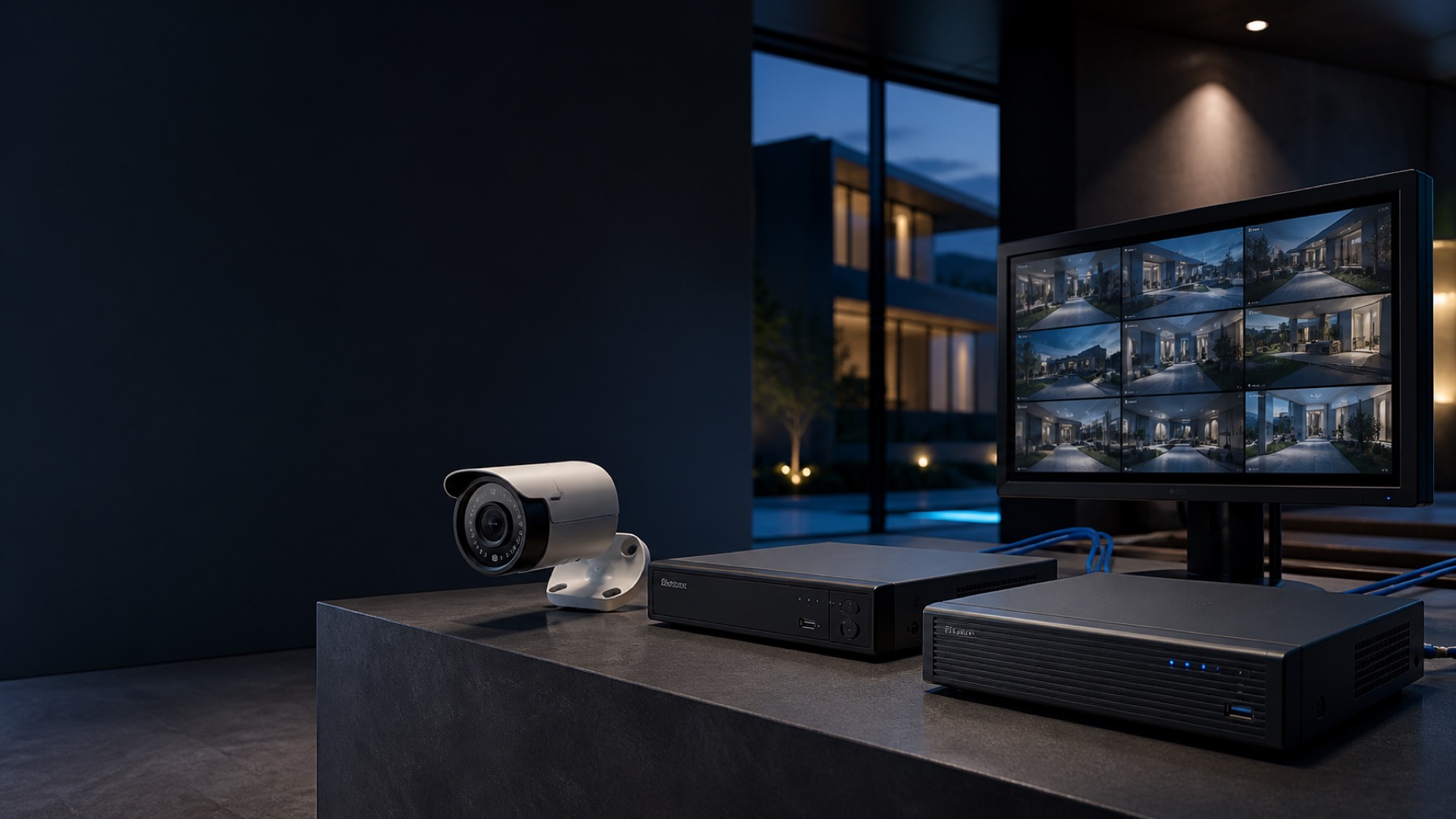
An NVR receives video over the network and may integrate cameras, switches or PoE ports. Network, addresses, bandwidth and credentials are part of the installation, not only the cable to each camera.
For each model pair, confirm resolution, codec, audio, events, analytics, playback and firmware support. Then calculate storage from the settings the scenes actually require. A system that displays live video but drops an event, records at a lower profile or cannot retrieve the needed period is technically connected yet operationally incomplete.
- 01Define the purpose of every scene
- 02Confirm cable type and available pathways
- 03Check camera-recorder feature compatibility
- 04Estimate storage from real settings
- 05Plan secure accounts, updates and backup power

From context to a decision.
Plan scenes and retention
Useful before choosing cameras or recorder capacity.
Open planner↗Compare verified equipment
For a system architecture whose compatibility is already understood.
Explore Store↗Design the complete security system
For sites where coverage, network, power and evidence must be coordinated.
Design my system↗Answers with the full context.
Is every IP camera used with an NVR?+
Not always. Some cameras can record locally or to other approved platforms, but an NVR is a common way to centralize compatible network video streams.
Can an IP camera work with any NVR?+
No. General protocol support does not guarantee every resolution, codec, event, audio or analytic feature. Verify the exact models and firmware.
Is a DVR always an older or worse option?+
No. A DVR can be appropriate where compatible coaxial infrastructure exists and the required scenes and retention fit that architecture.
What should be calculated before storage size?+
Camera count, resolution, frame rate, compression, bitrate, recording schedule, scene activity and retention target all influence storage.
SOURCES AND REFERENCES4
References consulted for this editorial review.
- ONVIF — Profiles overview.
- ONVIF — Profile S.
- ONVIF — Profile G.
- ONVIF — Profile T.