
INTRODUCTION
A guest trying to join a video call from a bedroom should not have to know whether an access point, channel, provider or node link is at fault. They only experience that WiFi did not work when they needed it.
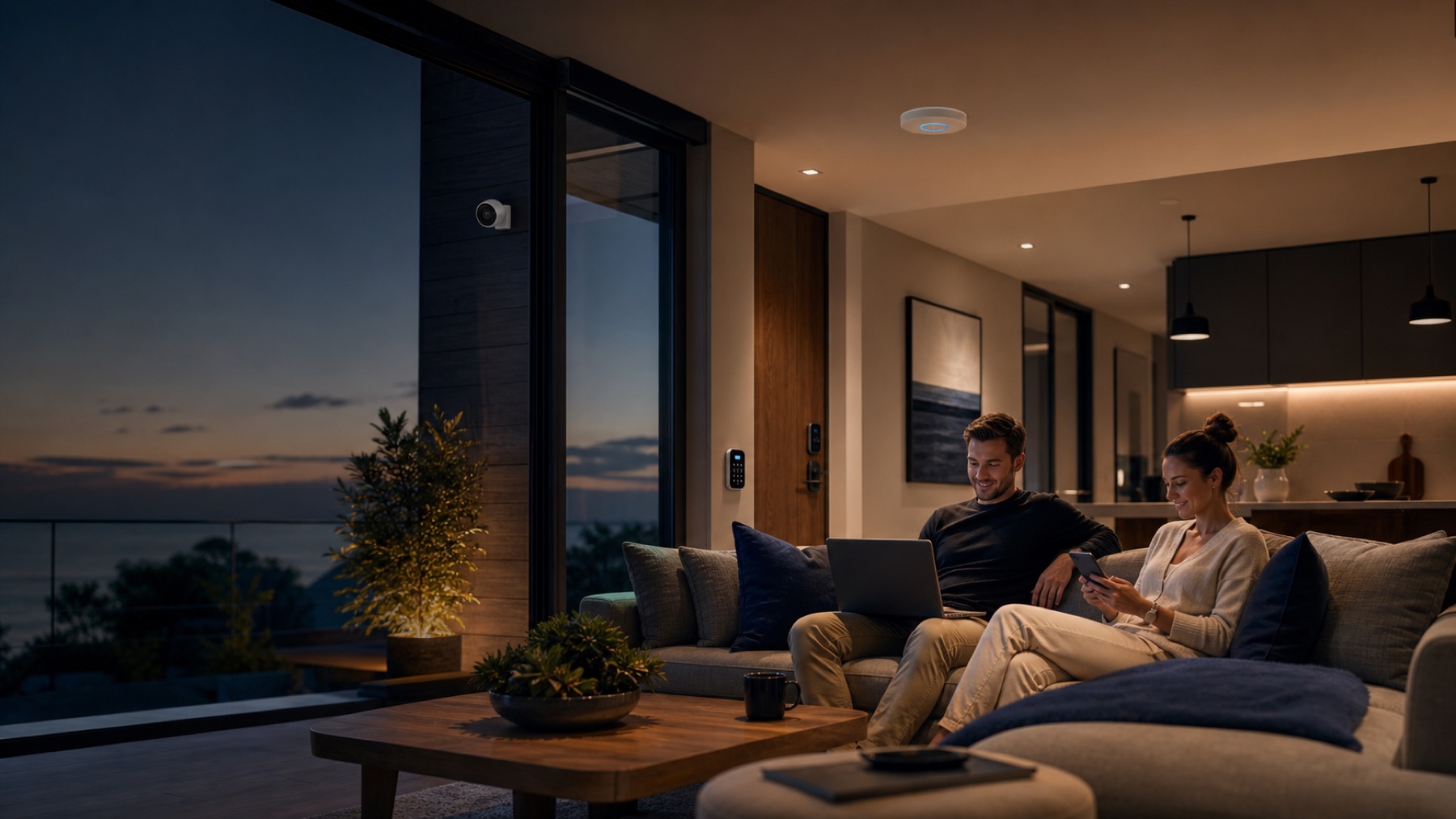
A rental network should therefore do more than show signal. Bedrooms, terrace, living areas, access points and workspaces can have different needs, while cameras, locks, televisions, assistants and sensors may depend on the same infrastructure.
The goal is not more routers. It is a network that is predictable, separated, manageable and diagnosable from a distance.
1. Measure where the guest lives, not where the router sits
Test at the bed or desk in every room, living areas, terrace, entrances and any outdoor area included in the stay. Close doors and, if possible, reproduce realistic occupancy.
Example: ‘It works perfectly at reception’
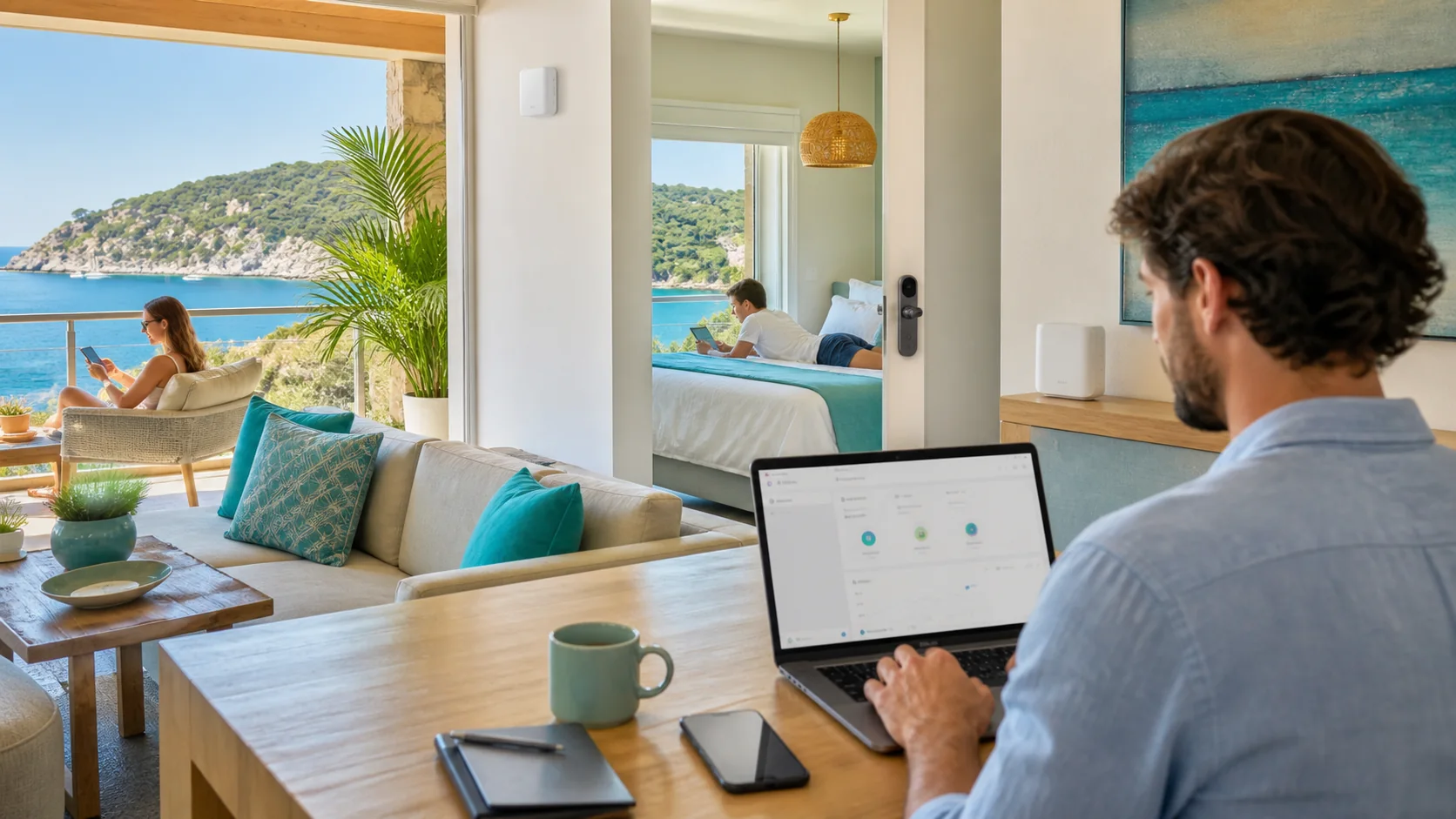
A three-level property delivers 300 Mbps in the room with the router. A top-floor bedroom drops calls when its door closes. The guest never experiences the excellent living-room test; the bedroom is the product they receive.
2. Guest access should not be the operations network
Cameras, locks, management devices and property systems should not be exposed unnecessarily to everyone who receives the guest password. A professional architecture can separate guests, operations, CCTV/security and IoT/automation.
Segmentation is not complexity for its own sake. It reduces the impact of a compromised device, simplifies diagnosis and prevents guests from discovering systems they should not reach.
One property, several logical networks
Temporary users and personal devices.
Administration and support.
Cameras and access systems.
Property automation.
One physical infrastructure; different permissions and priorities.
3. Design for the busiest day
An empty property can look perfect. The real test arrives when several rooms stream, two guests join calls, televisions download content and property devices remain online. Size for concurrency, not square metres alone.
| Zone or use | What usually matters |
|---|---|
| Bedroom | Stability, video calls and streaming |
| Common area | Several concurrent users |
| Terrace / garden | Outdoor coverage and roaming |
| Locks / IoT | Continuity and separation |
| Cameras | Stable link and management |
| Operations | Secure access and diagnosis |
4. Backhaul may be the invisible problem
If wireless nodes connect to each other through a weak link, the guest can see full bars and still receive poor service. Ethernet backhaul gives access points a more predictable foundation. Where cable is impossible, Mesh nodes must have a strong link to one another, not merely sit inside the dead zone.

5. Plan remote support before the first complaint
A remote operator should be able to answer whether the provider is online, which equipment disconnected, whether demand is saturated and what changed since yesterday. Document equipment, administrative access, topology and provider details.
6. When is equipment enough, and when is design required?
A single known coverage gap may be solved with compatible hardware. Several levels, guests, cameras, locks, IoT, outdoor areas and remote support turn WiFi into property infrastructure.

From context to a decision.
The required device is already identified
Explore equipment↗The property still needs diagnosis
Run the WiFi Diagnostic↗Guest, operations and IoT networks must work as one system
Design the network↗Answers with the full context.
How many access points does an Airbnb need?+
There is no universal number per square metre. Levels, materials, layout, exterior areas, concurrent users and cable availability determine the architecture.
Should guests have a separate network?+
When the infrastructure supports it, guest access should be separated from management systems, cameras, locks and internal devices.
Can Mesh work in an Airbnb?+
It can work in a simple property when every node maintains a strong upstream link. Multi-level or high-occupancy properties may gain predictability from wired access points.
What should I monitor remotely?+
Internet availability, equipment state, connected clients, usage and disconnect events, plus link quality where the platform supports it.
SOURCES AND REFERENCES2
References consulted for this editorial review.
- The Evolution of Wi-Fi Technology and StandardsIEEE Standards Association
- Small and Medium BusinessesCISA