INTRODUCTION
Every WiFi generation arrives with impressive maximum speeds, channel widths, bands and features. Real users live with walls, mixed-generation devices, an Internet provider, switches, cables, interference and uneven coverage.
The useful question is not which standard is newest, but which part of my experience can actually improve if I upgrade?
WiFi 6: greater efficiency when many devices share the network
WiFi 6 is based on IEEE 802.11ax and introduced mechanisms intended to use spectrum more efficiently, especially with many clients. That does not mean one phone automatically becomes several times faster; the benefit can be better concurrency when clients and configuration support it.
WiFi 6E: WiFi 6 capabilities extend into 6 GHz
WiFi 6E uses 6 GHz spectrum where regulation and equipment allow it, providing more radio space with fewer legacy devices. Only compatible clients can use it, and propagation through walls can be more demanding.
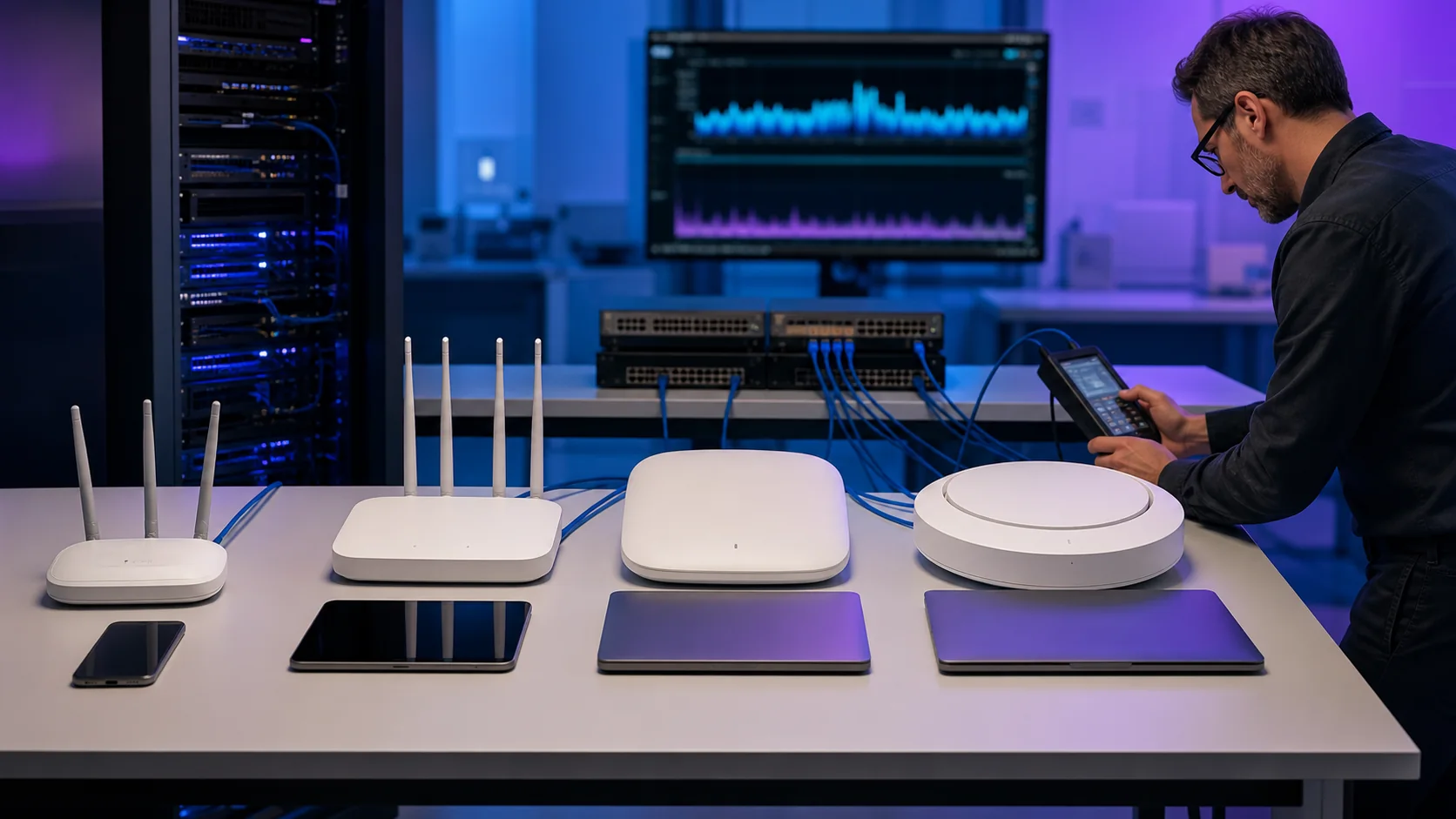
EXAMPLE: buying WiFi 7 without reviewing the rest of the network
An office upgrades its access points, but many clients support older generations and the switch uplink limits available capacity. The upgrade may help, but each device will not reach the advertised maximum. The complete experience advances at the pace of the component that actually limits the path.
WiFi 7: more flexibility and potential capacity
WiFi 7 is based on IEEE 802.11be. Wider channels where spectrum permits and multi-link operation open higher-performance scenarios, but depend on compatible infrastructure and clients. Standard maximums describe ideal conditions, not guaranteed speed in every home or office.

Before upgrading, identify today's bottleneck
The problem may be the access point—or placement, an old client, interference, weak wireless backhaul, a limited Ethernet port, cabling, the ISP or too many users on one point.
Your final speed travels through an entire chain
The WiFi generation affects only one part of the path.
WiFi 6 vs. 6E vs. 7
| Feature | WiFi 6 | WiFi 6E | WiFi 7 |
|---|---|---|---|
| Base | 802.11ax | 802.11ax + 6 GHz | 802.11be |
| 2.4/5 GHz | Yes | Yes | Yes |
| 6 GHz | Not part of the WiFi 6 definition | Yes | Yes, by region/equipment |
| Focus | Efficiency and concurrency | More spectrum for compatible clients | Greater capacity and flexibility |
| Required clients | WiFi 6 for new features | 6E to use 6 GHz | WiFi 7 for new features |
| Walls/coverage | Depends on band and design | 6 GHz may require greater density | Still depends on band and design |
| Automatic upgrade? | No | No | No |
When can an upgrade be worthwhile?
- when more capacity is needed and clients can use it
- when 6 GHz provides useful spectrum in a congested environment
- when switches and cabling are also being renewed
- when applications and density justify the investment
A network that already meets its objective does not need replacement simply because a newer generation exists.

Answers with the full context.
Will WiFi 7 make my Internet faster?+
Only if WiFi is the actual bottleneck and the rest of the path can keep up. ISP service, router, cabling, switch, access point, client and application all matter.
What is the benefit of 6 GHz?+
It offers additional spectrum for compatible devices where permitted, with fewer legacy clients. Propagation through obstacles can be more demanding, so design and AP density still matter.
Must I replace every device to use a new router?+
No. Earlier generations normally remain compatible on supported bands, but older clients will not gain every new feature.
Is upgrading from WiFi 6 to WiFi 7 worthwhile at home?+
It depends on the current problem, clients, demand and budget. Benefits may be limited when the network already works well and few clients support the new capabilities.
SOURCES AND REFERENCES3
References consulted for this editorial review.
- Conservar:
- IEEE Standards Association — The Evolution of Wi-Fi Technology and Standards
- IEEE 802.11be-2024 — Extremely High Throughput