
INTRODUCTION
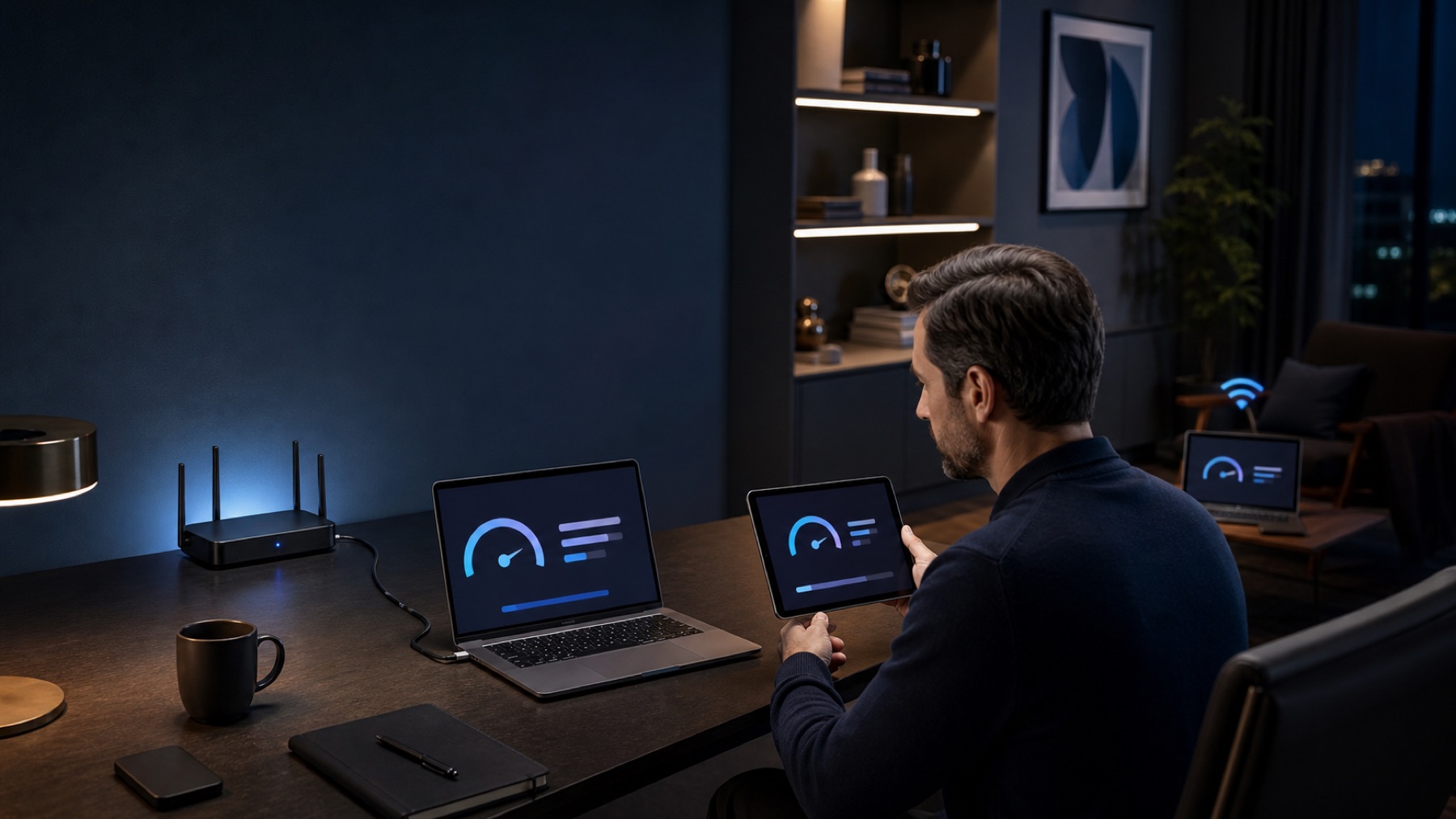
A familiar scene plays out in many homes: a speed test beside the modem looks excellent. Walk to the study, bedroom or terrace and everything changes. A call freezes, a page stalls or the television lowers its streaming quality.
The first thought is usually ‘I need more megabits.’ Often, that is not the problem. The subscribed speed describes the connection delivered to the property. After that point, the router, WiFi radio, walls, distance, interference, client device and even the application can become the bottleneck.
A few ordered tests can separate those causes. Doing that before buying a router, extender or access point can save both money and frustration.
1. First determine whether the problem is Internet or WiFi
When possible, connect a computer by Ethernet to the main equipment and run several measurements at different times. Then repeat over WiFi very close to the router.
If the wired result is already low or unstable, the issue may precede the wireless network: provider service, incoming link, modem, port or test server. If wired performance is sound but WiFi drops sharply, the evidence points to the local radio network or client device.
The real journey of a connection
One test is not enough: compare each layer before blaming the subscribed speed.
2. Full signal bars do not guarantee a fast network
The WiFi icon is a simplified view of received signal strength. It does not reveal how many devices share the channel, how much interference exists, how busy the airtime is or whether the Internet link is saturated.
Think of a crowded café: everyone may be close to the server, yet too many people are trying to order at once. WiFi can behave the same way. The signal arrives, but the shared medium is busy.
Example: two rooms, one plan
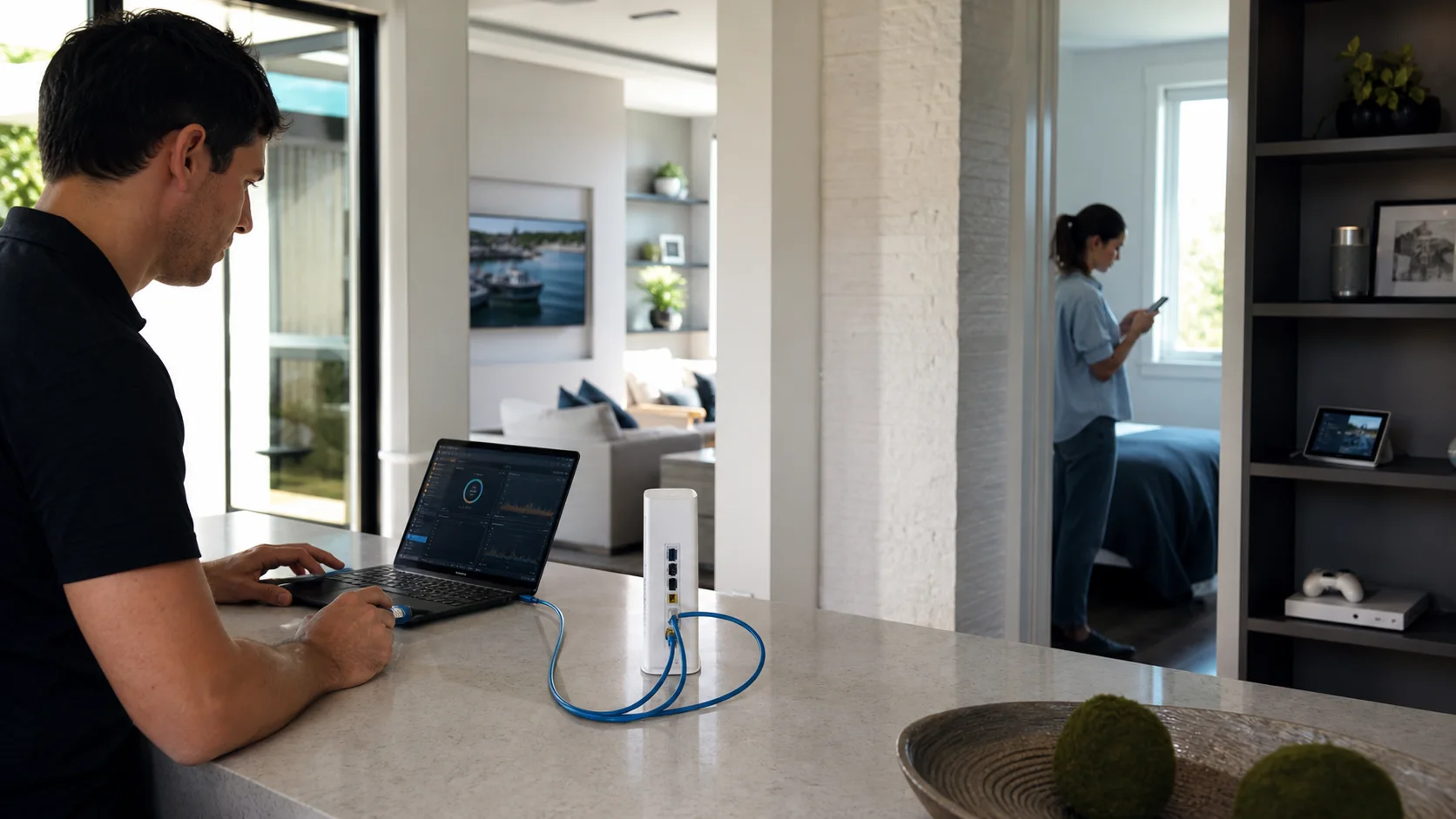
A home with a 500 Mbps plan feels excellent in the living room because the router is nearby and obstructions are limited. In a study behind two walls, the same phone negotiates a much weaker link. The tariff did not change; the wireless path did.
3. 2.4 GHz, 5 GHz and 6 GHz are not simply good, better and best
Each band makes a different tradeoff between reach, available spectrum and client compatibility.
| Band | Typical advantage | Typical limitation | When it can help |
|---|---|---|---|
| 2.4 GHz | Relatively greater reach | Less channel space and more shared-device interference | Distant zones or low-demand IoT |
| 5 GHz | Useful balance of capacity and coverage | More loss through obstacles | General use, streaming and work |
| 6 GHz | More spectrum for compatible equipment | Requires compatible clients and usually loses more through walls | High capacity at suitable distances |
4. Placement may be the problem, not the equipment
A router hidden behind a television, inside a cabinet, on the floor or in a corner starts at a disadvantage. Metal, dense walls, mirrors, water and some finishes can alter propagation significantly. Test a more open and central position before replacing hardware.

5. Many devices change the nature of the problem
A single-phone test can look perfect at 10 a.m. and fail at night when streaming, calls, consoles, cameras and smart devices all compete. That is no longer only a coverage question; it may be capacity.
In offices, rentals, hotels and device-heavy homes, observe the network during real peak use. A network that works while empty may still be undersized for its operation.
Which symptom sounds most like yours?
Review the provider and primary link.
Review coverage, placement and materials.
Review capacity and distribution.
Review the client and configuration.
Do not assume WiFi is the cause.
6. Run four tests before buying equipment
- Wired: what does the primary connection actually deliver?
- Near: what does the same device obtain beside the router?
- Problem area: what changes where the failure normally occurs?
- Real-use time: what happens with the usual people and devices online?
That small map is more useful than a single speed-test screenshot.
7. When does buying equipment make sense?
When diagnosis points to a specific cause. With cabling available, an access point can be stronger than increasing router power. In a simple space without cable, a well-placed Mesh system may be enough. Multiple areas, guests or critical devices usually call for a designed network.

From context to a decision.
I have identified the limiting device or link
View WiFi equipment↗I still need to separate coverage, capacity and the Internet link
Diagnose my WiFi↗Several zones, users or operations depend on the network
Design my network with NextLum↗Answers with the full context.
Why do I have a 500 Mbps plan if WiFi never reaches that speed?+
The plan applies to the provider link. WiFi performance also depends on band, distance, interference, router or access-point capacity, client capabilities and site conditions. Not every device can use the full plan rate.
Does a strong WiFi signal guarantee a fast connection?+
No. Strong signal only means the client hears the access point well. Congestion, interference, a limited backhaul or a slow Internet link can still reduce performance.
Should I buy an extender?+
It can help in a simple scenario when it receives a strong upstream signal. Placed where the link is already weak, it may extend the network name without improving the connection. Diagnose first.
How do I know whether I need an access point?+
If cabling is available and a specific area needs coverage or capacity, an access point can be a solid solution. Larger or busy spaces often benefit from several coordinated APs.
SOURCES AND REFERENCES1
References consulted for this editorial review.
- The Evolution of Wi-Fi Technology and StandardsIEEE Standards Association